Instant Design System Setup
Core Feature
Build color variables, text styles, and tokens directly from any snippet or selection.

Transform CSS snippets, code tokens, and selections into a complete Figma Design System — in seconds, not hours.

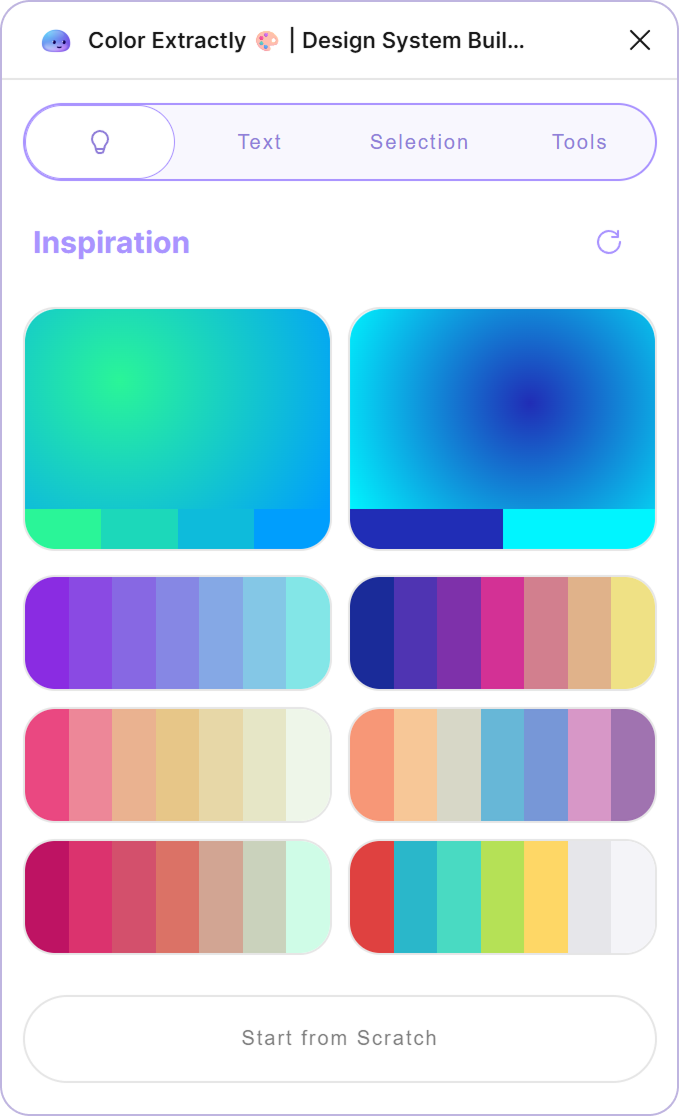
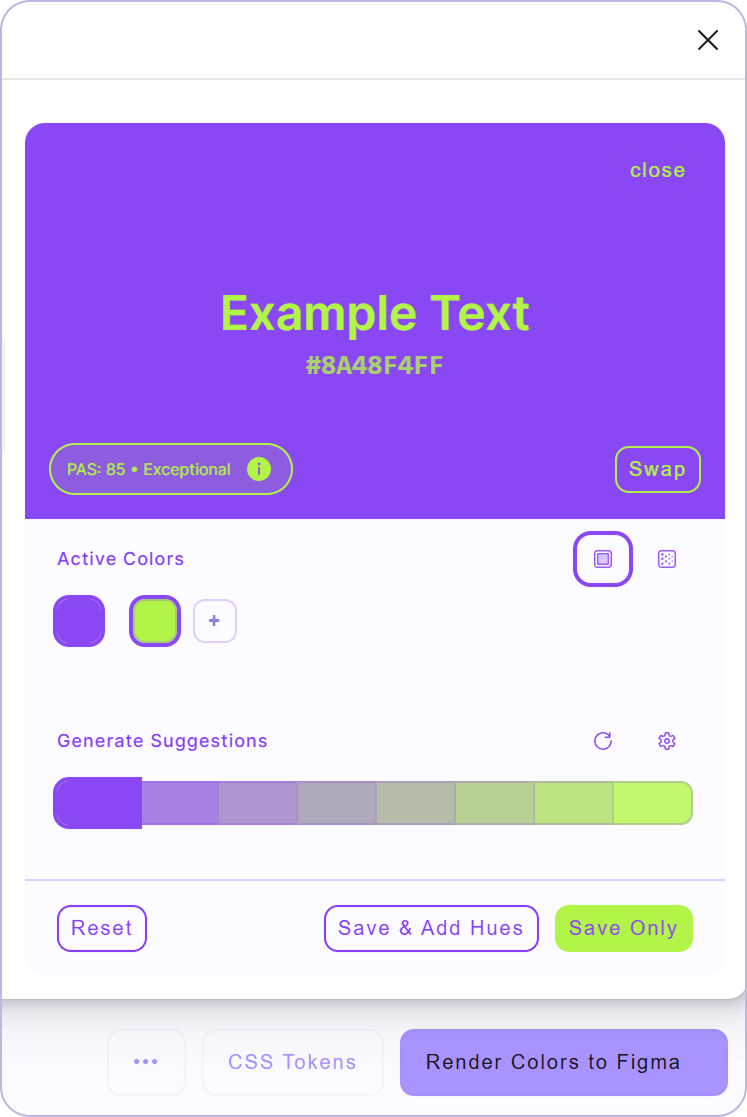

Build color variables, text styles, and tokens directly from any snippet or selection.
A tidy, scalable Design System appears on your canvas — no duplicates, no chaos.
Convert CSS snippets or dev tokens into Figma variables in one click. HEX, RGB, HSL — all supported.
Generate component sets, reset overrides, and clean up unused styles in bulk.
Push styles to CSS, JSON, Tailwind, Android, iOS, and more.
Paste CSS snippets, select layers, or import from code — Color Extractly detects HEX, RGB, HSL formats automatically and creates organized variables.
Start with curated color palettes or generate your own. Browse beautiful gradients and harmonious combinations, then drag-drop directly onto your Figma canvas. Fine-tune each color to create the perfect design system.
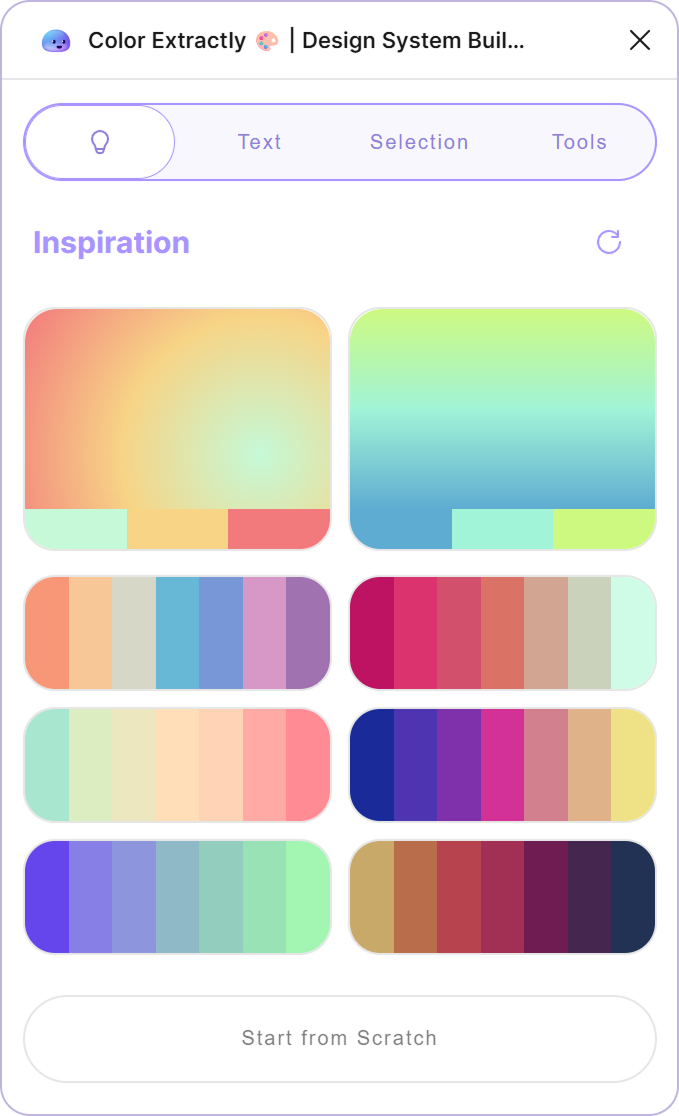 Vibrant Cool Neutral
 Get a taste of the actual plugin — right in your browser. No signup required.
Go beyond basic WCAG ratios. Our advanced PAS algorithm evaluates color pairs using perceptual luminance contrast, text size/weight thresholds, local contrast on gradients, and color vision deficiency robustness — giving you a true readability score, not just a ratio.
Convert text layers to text styles, create variables from numeric properties, and replace values with library variables — all in bulk.
Generate CSS, JSON, SCSS, Tailwind configs, Android resources, iOS assets, and DTCG format. Custom naming templates for seamless dev handoff.
Beyond colors, Color Extractly packs a searchable toolkit for UX/UI designers: bulk replace components, reset instance overrides, clean up unused styles, generate masonry layouts, and much more.
What Designers Are Saying
"Color Extractly turned a 4-hour Design System setup into a 10-minute task. I just paste the CSS from our codebase and boom — organized variables ready to use."
"As a freelancer working with legacy codebases, Color Extractly is a lifesaver. I extract all existing brand colors from CSS and have a working system in Figma before the first client call."
"The export feature is incredible. Our devs used to manually translate our Figma tokens to code. Now I export directly to Tailwind config and they just copy-paste."
"The cleanup tools alone are worth it. I inherited a Figma file with 200+ duplicate colors. Color Extractly identified and merged them in seconds."
"Finally, a plugin that speaks both designer and developer. The semantic naming feature automatically suggests names like primary-500 based on the color values."
"Dark mode generation in one click? Yes please. Color Extractly analyzed our light theme and suggested a complete dark palette that actually looked good."
From color extraction to dev handoff — how modern design teams bridge the design-code gap.
Design tokens are the atoms of your design system. They're named values — colors, spacing, typography — that ensure consistency across every touchpoint. But managing them in Figma has always been painful. You either maintain them manually (error-prone) or rely on complex plugins that require technical setup.
Most design systems start in code. Developers define CSS variables, Tailwind configs, or native app colors. Then designers are expected to recreate these in Figma — manually copying hex values, naming them consistently, and keeping everything in sync. It's tedious, slow, and inevitably leads to drift.
Color Extractly solves this by reversing the workflow. Paste your existing code, and watch Figma variables appear. The design system is instantly synced with what developers are already using.
The real power comes from the round-trip capability. Extract colors from code → refine them in Figma → export back to any format. CSS, JSON, Tailwind, Android, iOS — your design decisions flow seamlessly to every platform without translation errors.
Custom naming templates ensure exports match your team's conventions. Whether you use color-primary-500 or ColorPrimary500, the output adapts to your codebase, not the other way around.
Legacy files are messy. Years of quick fixes and one-off colors leave behind hundreds of near-duplicates. Color Extractly's smart matching identifies colors within configurable thresholds (e.g., "find all colors within 5% lightness difference") and consolidates them into a clean palette.
The result? A single source of truth that's actually maintainable.
Dark mode isn't just "invert the colors." Good dark themes preserve color relationships while adjusting luminance for comfortable viewing. Color Extractly's auto-generation analyzes your light palette and creates semantically appropriate dark alternatives — a solid starting point that typically needs only minor refinement.
Color Extractly pairs perfectly with Contently for content management and Notely for feedback. Together, they form a complete workflow: extract your system, fill it with real content, and annotate for handoff — all without leaving Figma.
Discover more tools to enhance your creative workflow


Sticky notes for Figma. Capture insights and feedback directly in your design files. Perfect for design reviews and team collaboration.


Bookmark any location in your Figma files and teleport back instantly. Track your work with a global todo list. Present designs without the scroll of shame.


Smart content generation for Figma. Replace lorem ipsum with realistic text and images. AI-powered templates and design feedback for faster prototyping.