Content Shuffle & Randomizer
No more placeholder content.

With or without AI, say Goodbye Lorem Ipsum
– Hello Content Assistant.






Advanced AI Workflow for content assistance
Pro tips and advanced techniques for maximum productivity
Advanced Smart Templates, Drag & Drop and More
Learn how to use Smart Templates, drag-and-drop content editing, smart overflow, and other features for smart content creation
Contently Plugin Overview
Complete walkthrough of Contently's main features and capabilities
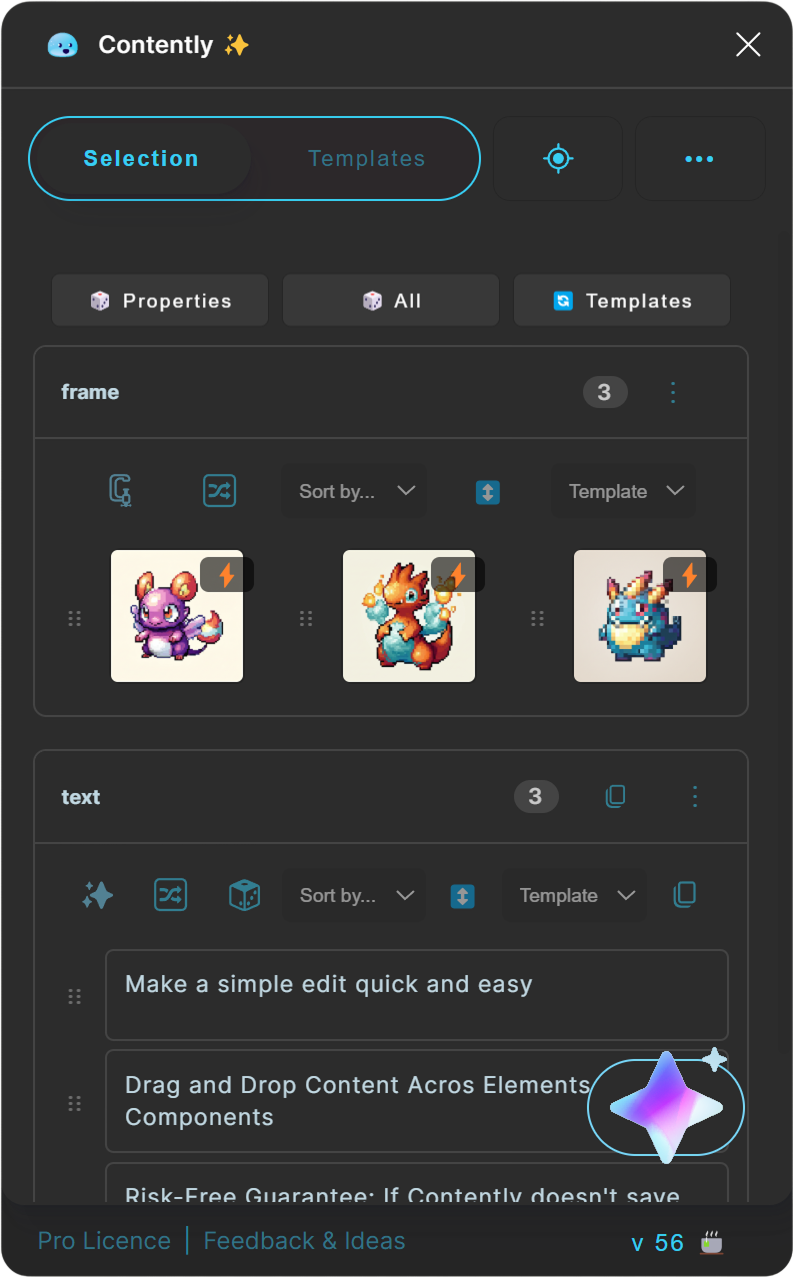
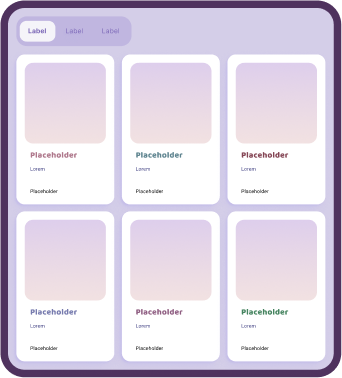
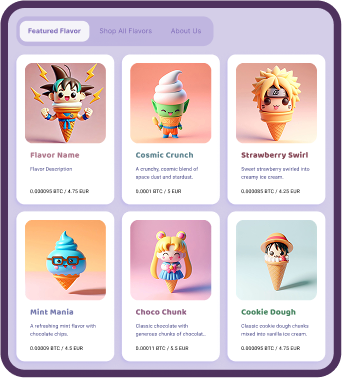
Update content across components.
Contently auto generate groups based on the selected and nested elements so that you can edit them with ease. And even drag and drop content between them.
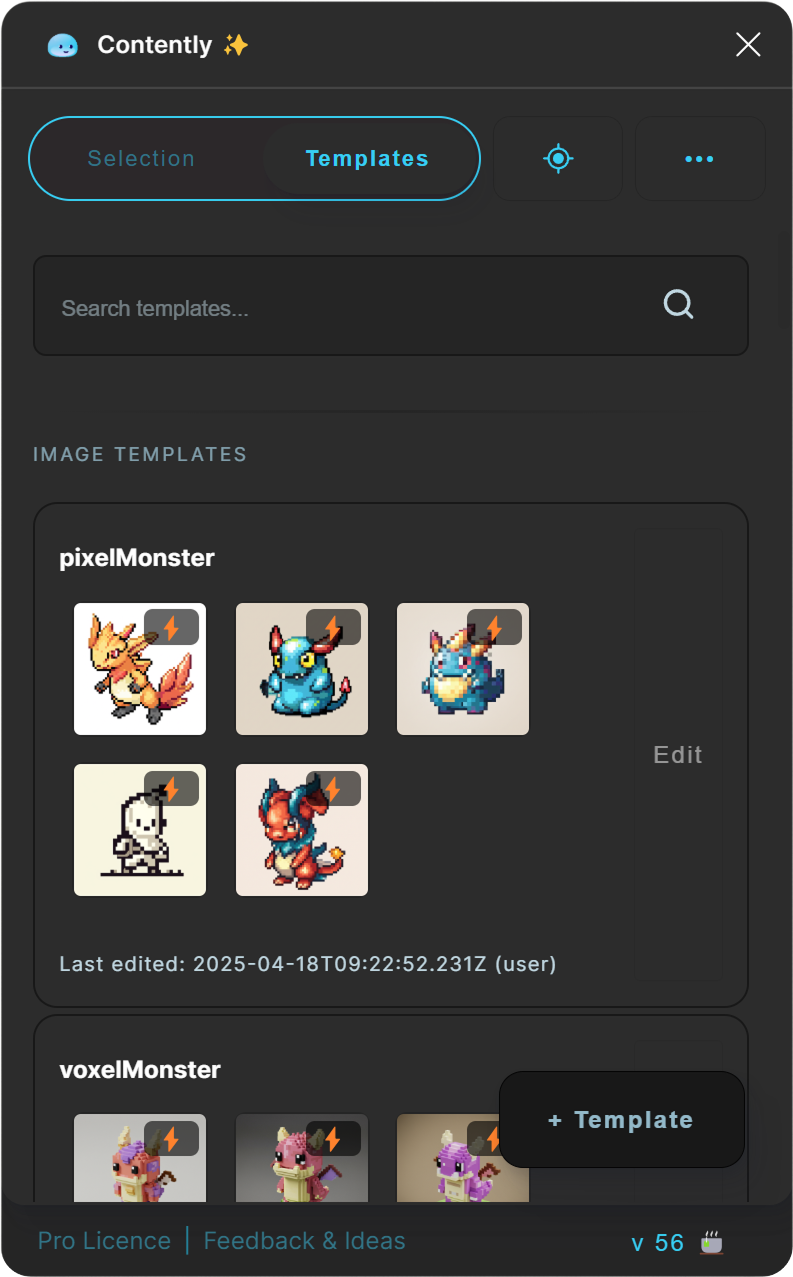
Write and Design your own templates or let Contently create them via AI.




 Optional AI
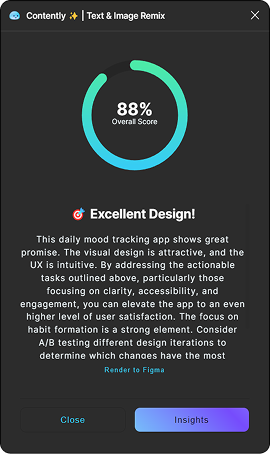
Contently analyzes your layouts and provides actionable suggestions in real-time. #PersuasivePattern #Brand #Ideation #Ideas #Inspiration
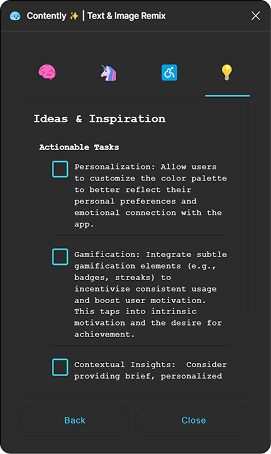
Generate contextually appropriate content that fits your specific design needs and project context.
Switch between different AI models to get the perfect results for your project. #Gemini #Groq #GPT
Complete it in no time with smart overflow. Creates duplicates of your content based on the text line you paste in Contently, to create lists, filters and pages in seconds
Select or refine your selection without the tedious need of selecting everything manually by configuration or properties.





With the PRO AI features contently evolves to the design assistant on your site, helping your iterate, generate and refine copytext as well as images, to let your content shine. With Contently you have full control and can use your own API key
#Gemini #Groq #GPT

 Consinstent Images
Context Aware
Consinstent Images
Context Aware



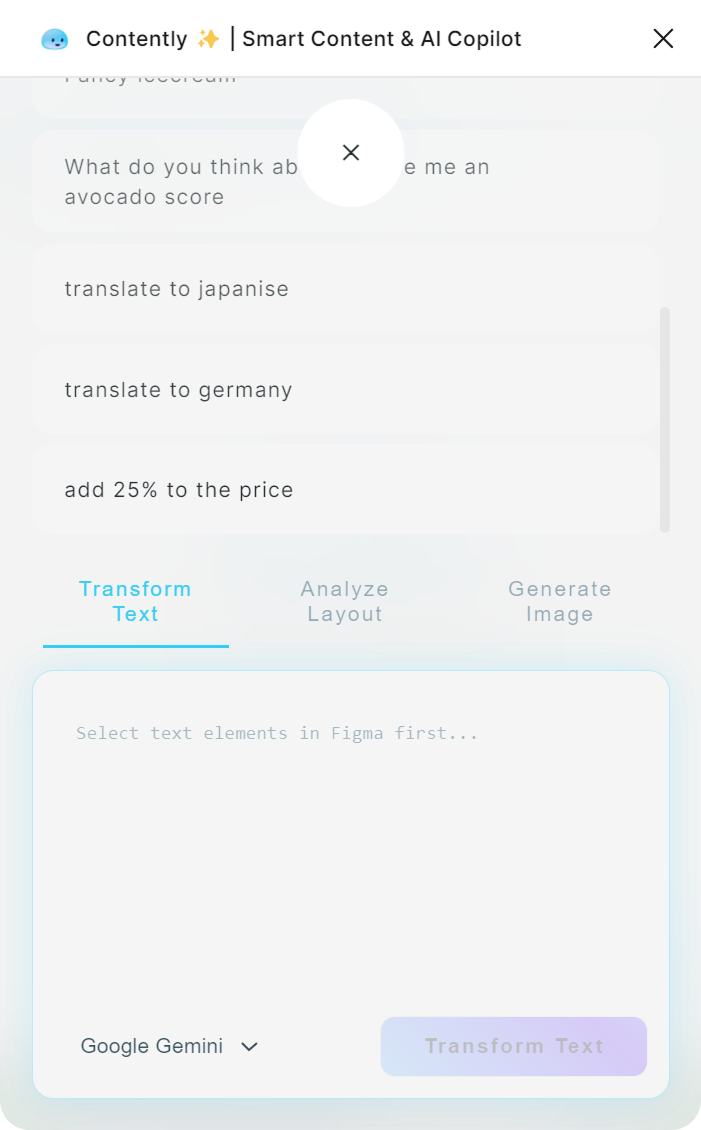 AI Suggestions
Refine Copy
Context Aware
Refine
AI Suggestions
Refine Copy
Context Aware
Refine
Build for Professional Workflows
"Contently's AI saved me 15+ hours per week on content creation. The smart templating and instant feedback helped me deliver 3x more high-quality designs to my clients."
"As a freelancer, time is money. Contently's AI assistant feels like having a dedicated content strategist and copywriter on my team. My clients love how quickly I can iterate on designs."
"Our agency switched to Contently and saw immediate ROI. The AI-powered templates and multilingual support let us scale effortlessly — and Raiken even shipped a tweak we requested in days."
"Love the tool, especially the Smart Overflow. Honestly, I'm not a huge fan of the AI features myself, but I still bought Pro just to support Raiken and the core functionality. It saves me tons of time."
"Contently is a game-changer for marketing. I can generate A/B test variations in minutes. The AI keeps everything on-brand and campaigns launch much faster now."
"The 'Smart Overflow' feature alone is worth the price. No more tedious resizing when content changes — you can tell Raiken built it for real production workflows."
From "text to design" to automated copy, Figma AI plugins are transforming how we build interfaces. Discover how tools like Contently act as your personal design copilot.
A Figma AI plugin is an intelligent add-on that integrates machine learning capabilities directly into your design canvas. Unlike standard plugins, these tools—often called "design copilots"—can generate content, create images, and even build UI components from simple text prompts, eliminating the need to switch between ChatGPT and Figma.
When searching for the best Figma AI plugins, prioritize these capabilities:
Many designers search for a Figma AI plugin free of charge. While some offer basic features, professional tools like Contently provide a robust free tier that includes essential content management, with premium options for advanced AI models like GPT-4, Claude, or Gemini.
Contently stands out by combining content generation with workflow automation. It doesn't just write text; it understands your layout structure, offers real-time design feedback, and allows you to bring your own API keys—making it the most flexible AI partner for professional UI/UX designers.
One of Contently's most powerful features is its Smart Templates system. Instead of manually updating every instance of a component, you can define dynamic content rules that propagate changes instantly. This allows for direct component manipulation, where you can tweak data sources and watch your design update in real-time, saving hours of repetitive work.
Static designs often feel lifeless. Contently introduces intelligent randomization to inject variety into your mockups. By shuffling through realistic data sets—names, dates, avatars, and product details—you can create vivid, production-ready prototypes that look and feel like the real thing. This randomness helps uncover edge cases in your layout that uniform placeholder text would hide.
Content doesn't exist in a vacuum—it needs feedback. Pair Contently with Notely to create a complete design operations workflow. The integration goes deeper than just features; both plugins share the same AI pipeline and settings.
This means your voice, tone, and language preferences are consistent across both tools. Whether you're generating new copy with Contently or ideating on feedback with Notely, the AI relies on the same document context and selection data to deliver results that are exactly what you need, every time.
Discover more tools to enhance your creative workflow


Sticky notes for Figma. Capture insights and feedback directly in your design files. Perfect for design reviews and team collaboration.


Bookmark any location in your Figma files and teleport back instantly. Track your work with a global todo list. Present designs without the scroll of shame.
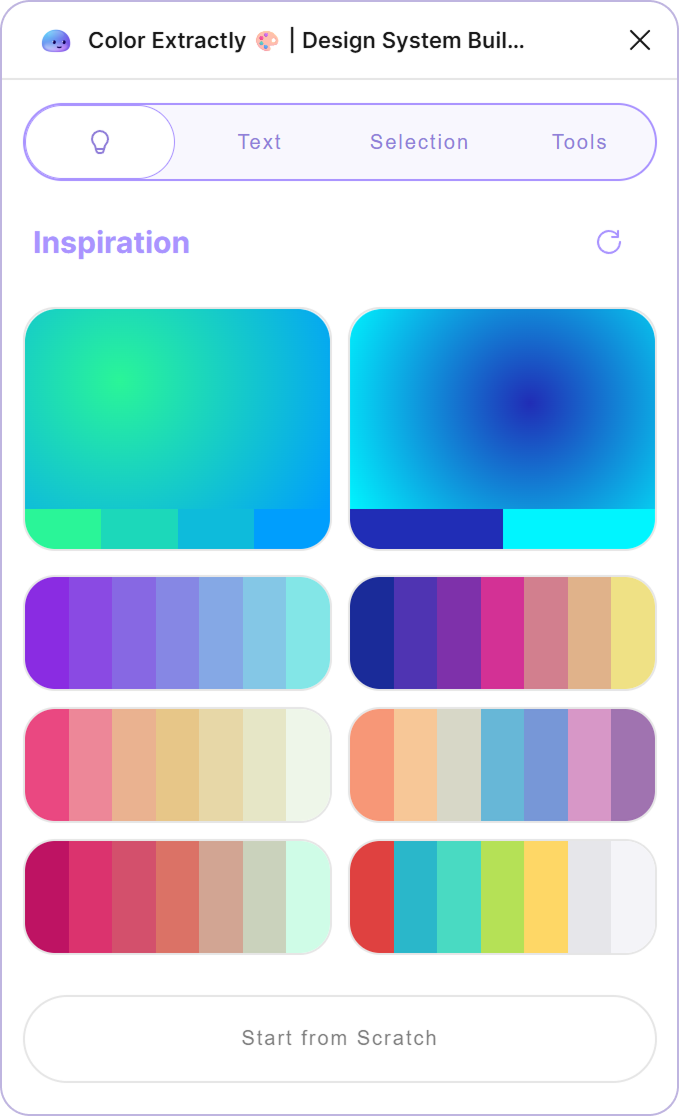
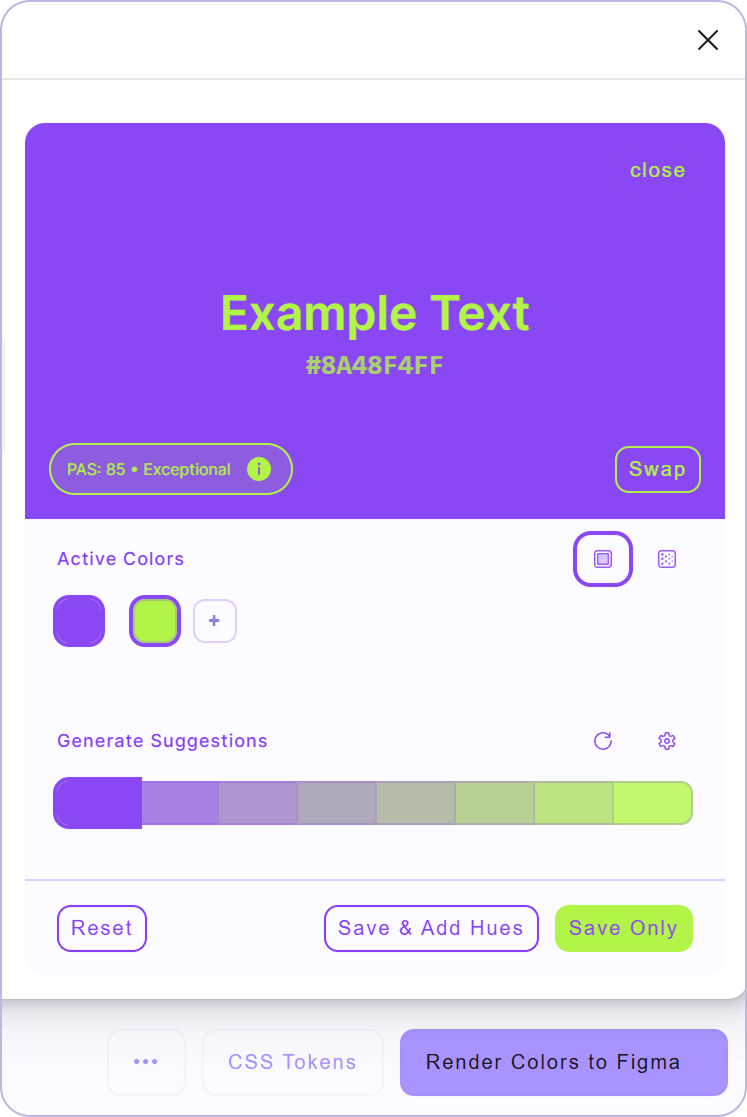

Extract colors from any code or text instantly. Generate design system color palettes in seconds. Perfect for maintaining brand consistency across projects.