← All Figma plugins

Optimizely / A Figma plugin by RAIKEN

Export Figma assets in the format you need.

Optimizely by RAIKEN brings image export, icon batches, sprite sheets and animation tools into Figma. Prepare selected layers for the next step in your design and development workflow.
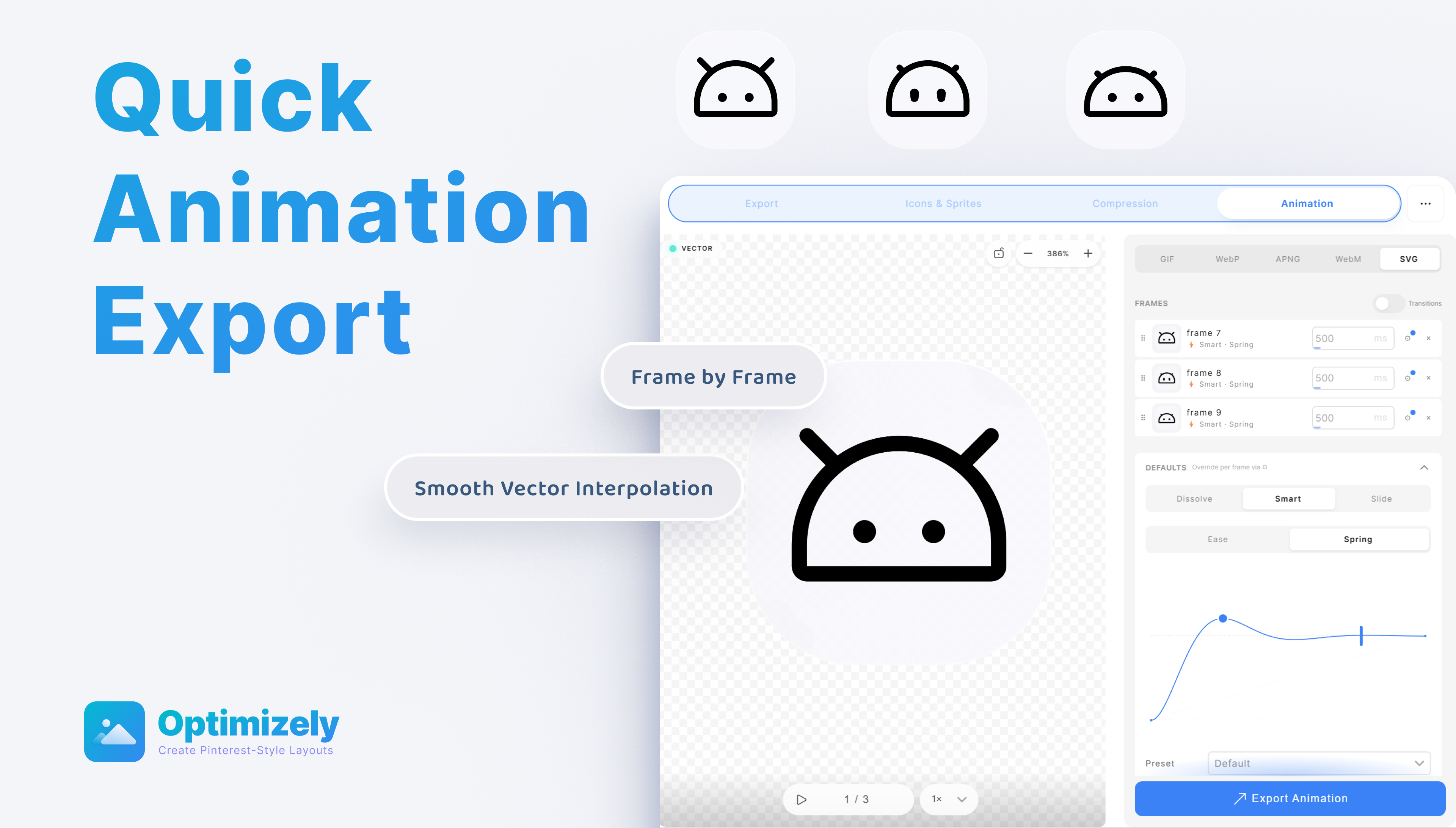
Optimizely animation editor with frame timing, transition controls and an SVG export option.
Animation interface from the official Optimizely plugin gallery. View the official gallery ↗

From selected layers to usable assets.

Images for the web

Images for the web

Export selected layers, frames or groups as WebP, AVIF, PNG, JPG or SVG.

Icons and sprite sheets

Icons and sprite sheets

Batch export icons, use platform icon templates and generate SVG sprite sheets.

Motion handoff

Motion handoff

Prepare frame-based JSON and animated SVG exports, with animation controls inside the plugin.

Getting started

Start with an image export.

  1. Open the RAIKEN Optimizely plugin from Figma Community.
  2. Select the layers, frames or groups you want to export.
  3. Choose the export format and settings, then check the downloaded asset in its intended destination.

A few useful details

Can I export WebP and AVIF from Figma?
Yes. Both are listed export formats, alongside PNG, JPG, ICO, SVG and SVG sprite sheets.
Can I compress images already in my file?
Yes. Compression includes a maximum file-size setting. The optional Compress Source Image action updates the original image and affects its copies and instances.
Which Optimizely is this?
This page describes the Figma asset-export plugin made by Dave / RAIKEN. It is unrelated to the Optimizely digital experience platform.