Figma plugin

QR codes. Your style.

Your colours, your logo. Create QR codes in Figma and keep every vector editable.
Lands as
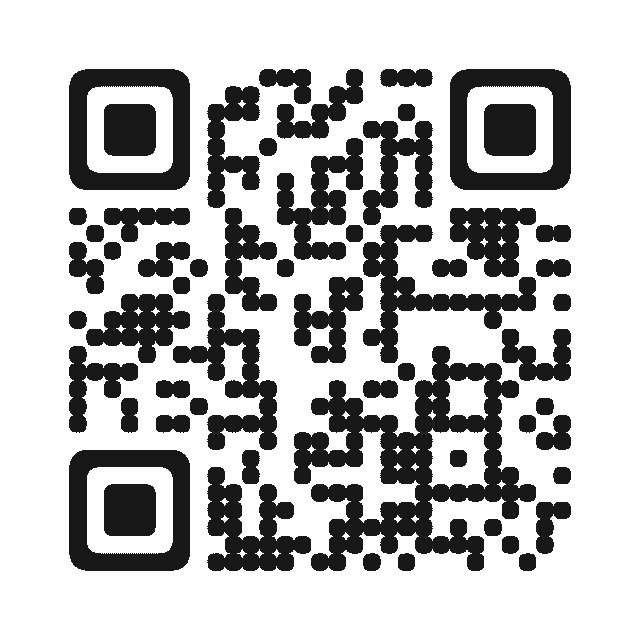
An editable vector
Looks like
Your colours & logo
Creating
Free, no limit

Works in

  • Figma
  • FigJam
  • Slides
  • Buzz
No Figma? Use the free web generator

Browser demo

Try a QR code.

Paste a link or text, pick a colour and download. Add logos and more content types in Figma.
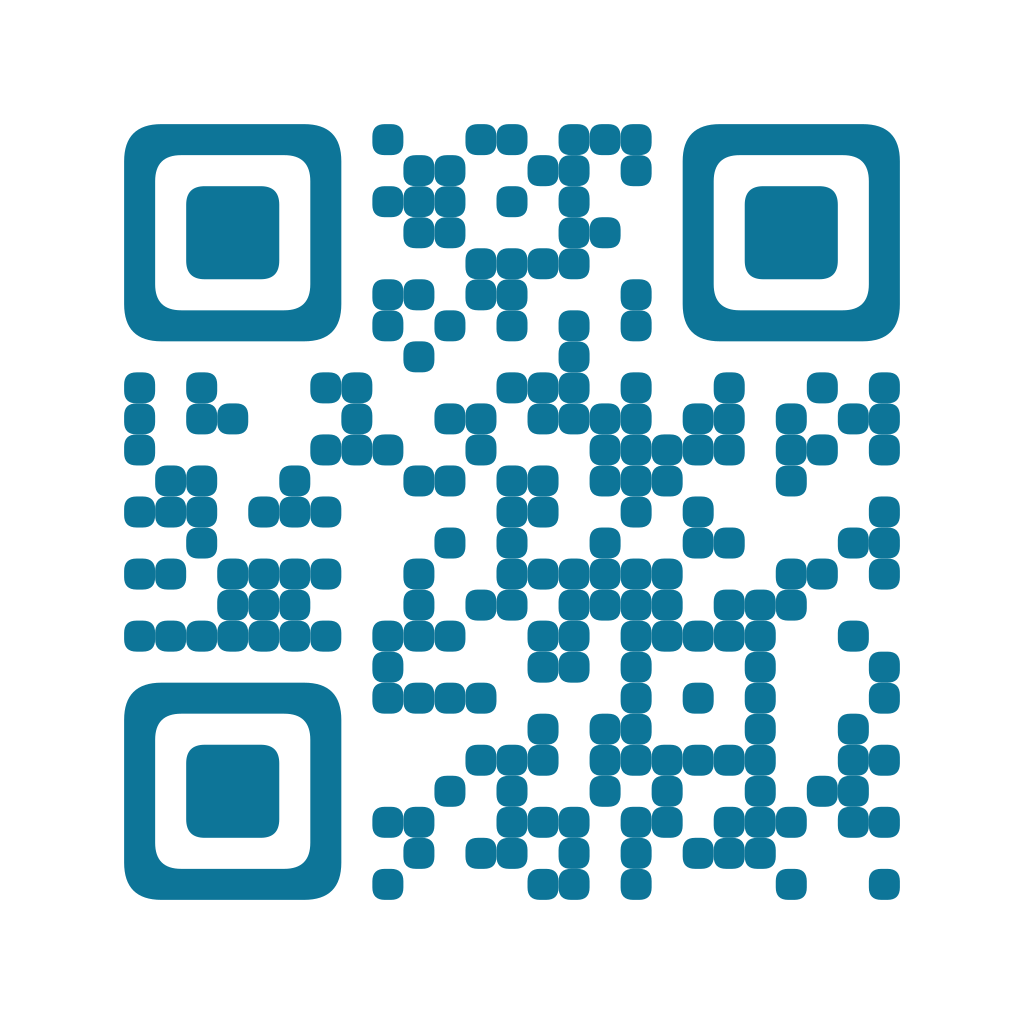
QR code for https://raiken.io
Pick a colour

Ocean, rounded

SVG for editable vectors. PNG for a ready-to-use image.

Free to use. Your text stays in your browser. Test the final code before sharing.

Figma plugin / Start here

Get going with QRLY

Quickstart
Made for
Links, plain text, Wi-Fi, contact cards and email QR codes.
First step
Open QRLY in Figma, FigJam, Slides or Buzz and enter your content.
Free access
Unlimited creation and styling, with six placements or downloads in total.

Made by David ZerbeRAIKEN / uxactly GmbH

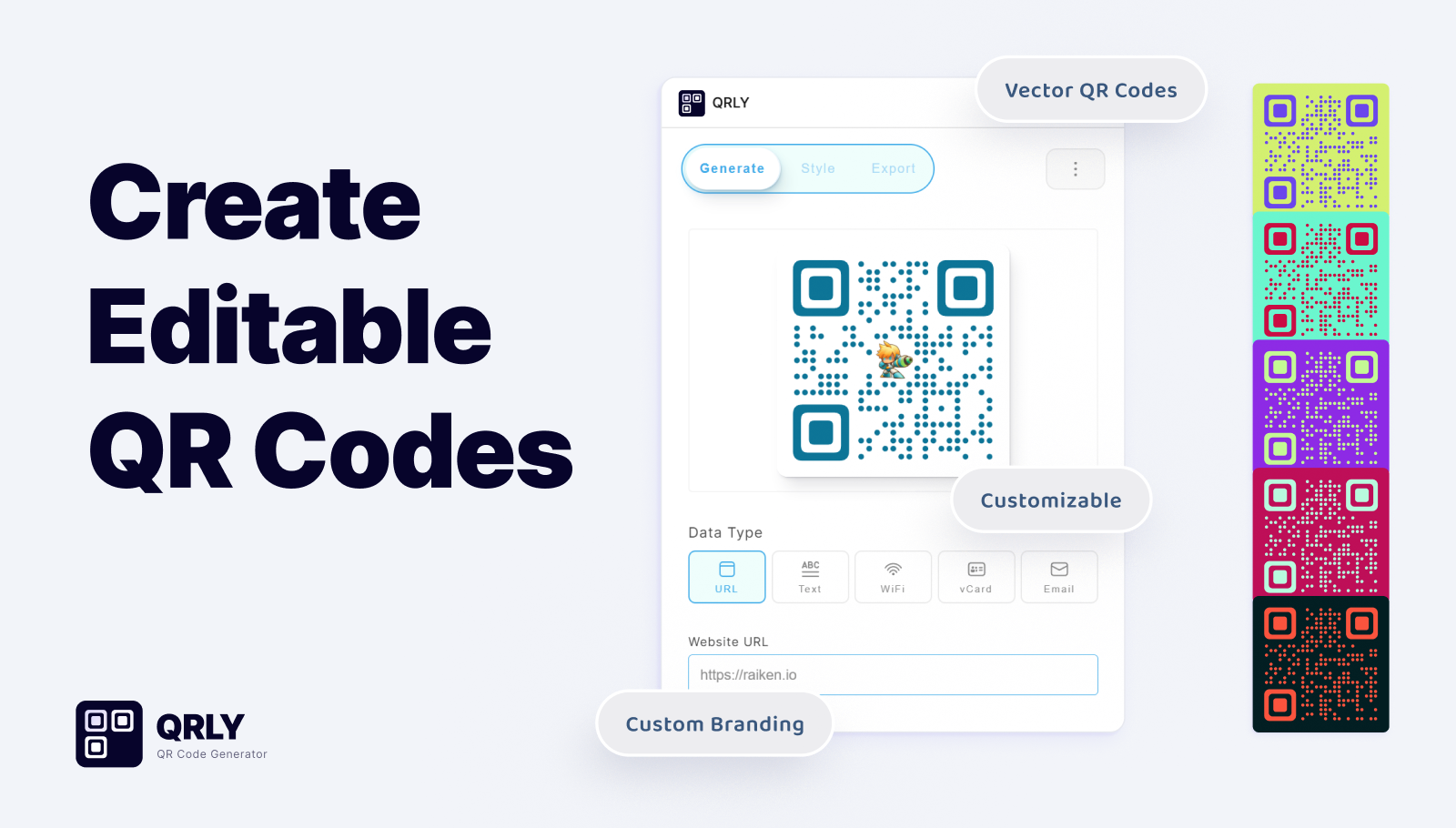
QRLY plugin window with Generate, Style and Export tabs, a dotted QR code with a centre logo, the data types URL, Text, WiFi, vCard and Email, and five colour variants.
QRLY gallery artwork. View the gallery on Figma Community

Less fiddling. Better-looking codes.

Stays editable

Stays editable

Recolour, resize and nudge it like any other layer.

Unmistakably yours

Unmistakably yours

Your colours, soft dots or rounded modules, your logo in the middle.

More than links

More than links

Share Wi-Fi, a contact card or a ready-to-send email with one scan.

Getting started

Your first code in three steps.

  1. Open QRLY from its Figma Community page.
  2. Type a link or other content; the preview updates as you type.
  3. Style it, then place it on the canvas or download it.

A few useful details

What can I encode, style and export?
Content: website URL, plain text, Wi-Fi network (SSID, password, WPA/WEP/open, hidden), vCard contact (name, phone, email, company) and email (address, subject, message). Style: foreground and background colour, square, rounded or dot modules, error correction from Low to High, and a PNG, JPG or SVG centre logo. Output: place it on the canvas as an editable vector group, download SVG or PNG from 128 to 2048 px, or copy the SVG.
Is QRLY free?
Creating and styling QR codes is unlimited. The free version includes six placements or downloads in total; QRLY Premium removes that limit.
Will a styled QR code still scan?
Keep strong contrast between foreground and background, choose High error correction when you add a logo, and test the final code with a phone before you print or publish it.

Ready for your next file?

Made by Dave, the designer behind RAIKEN.

Open in Figma

More plugins

Browse all plugins