Turn your color list into a sheet, Figma styles and variables
Click Render Colors to Figma to draw a color sheet, then add the colors as local color styles or as variables in a collection called Colorly.
Goal
Bring an extracted or generated palette into Figma so you can use it in designs.
Before you start
- A cleaned and named color list in Color Extractly Classic.
Steps
-
Render the sheet Click Render Colors to Figma. A frame called Sheet - Extracted Colors appears with a card per color (swatch, name, rgba, HEX and uses), grouped by the first word of the name.
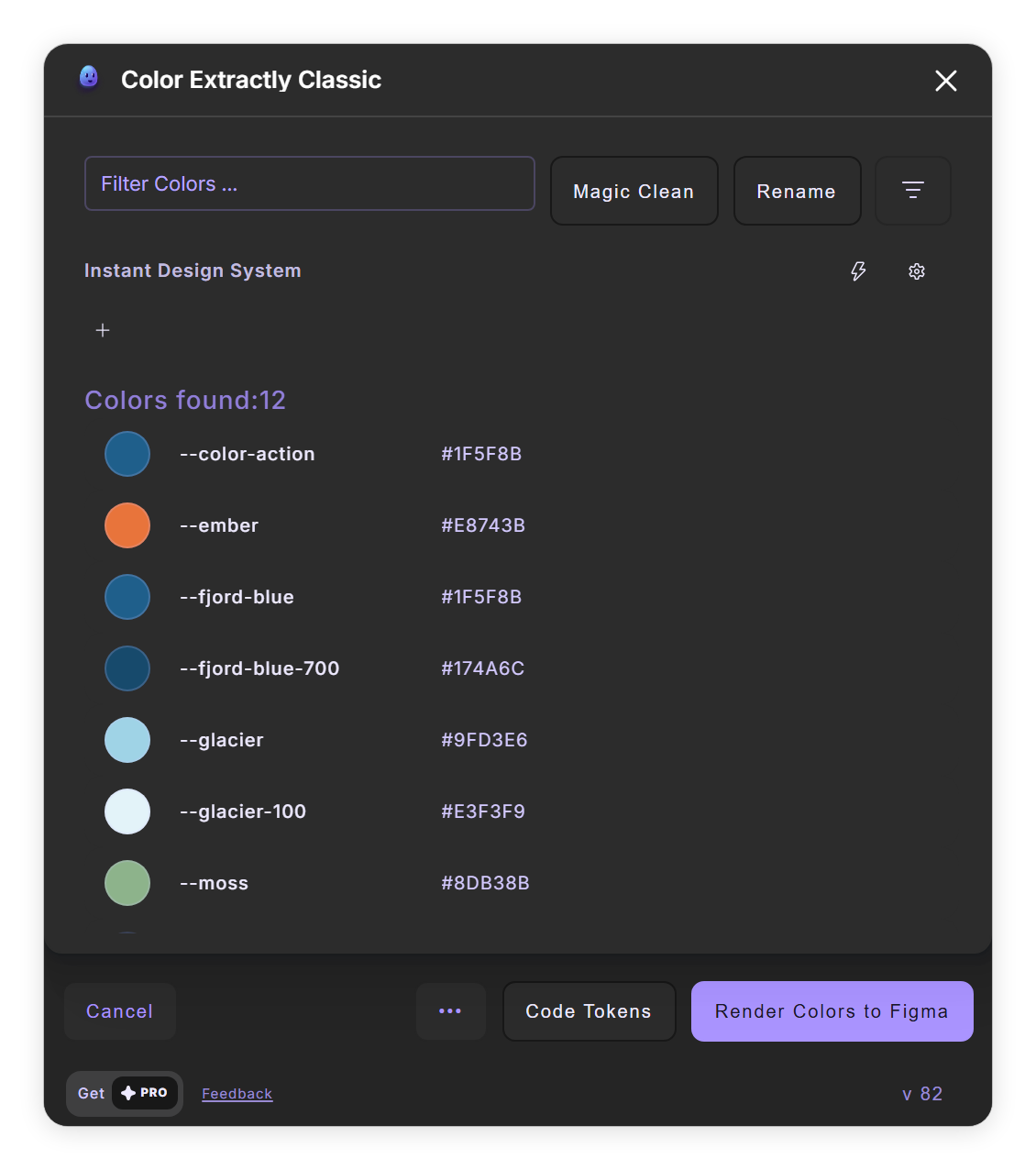
Render Colors to Figma under the list (step 1). -
Add styles In the window that follows, "Are you happy with the colors?", click + next to Add as style(s). Local color styles are created; each - in a name becomes a / folder, and a style with the same name is overwritten.
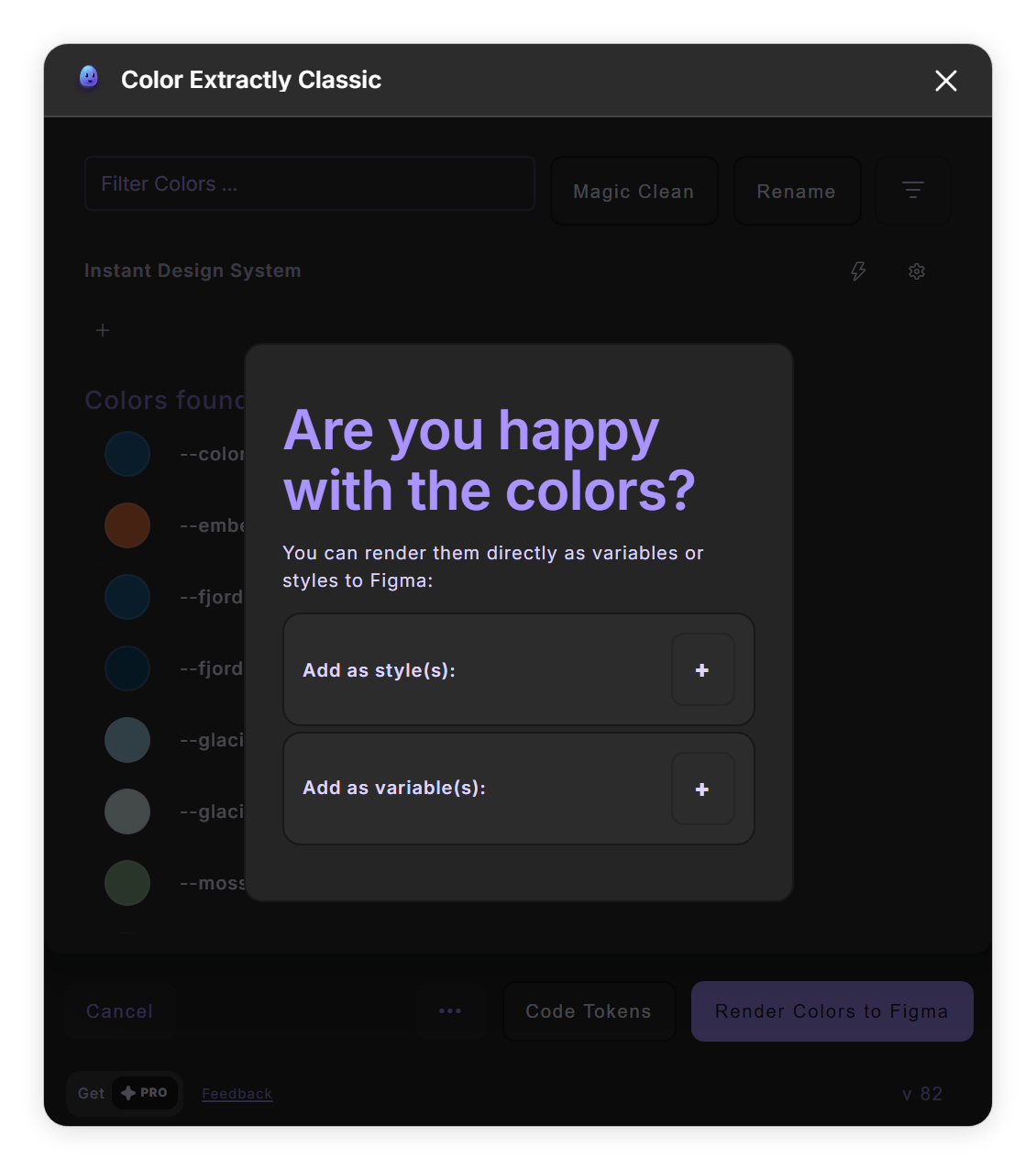
Add as style(s) or variable(s) (steps 2 and 3). - Add variables Click + next to Add as variable(s). Color variables are created in a collection called Colorly, in its first mode; --brand-primary-500 becomes Brand/primary/500.
- Drop single colors To place just one color, drag its row onto the canvas, or use its Send to canvas button. A card for that color appears.
- Apply a color to layers Select layers and click a row's Link this color to selection button. Double-click it to choose Fill, Stroke or Fill & Stroke. Linked layers follow later changes to that color while the plugin stays open.
Tips
- Gradients become gradient styles, but are skipped as variables.
- On the free plan, Render Colors to Figma runs 4 times a day and draws the first 12 colors, and dropping single colors onto the canvas works 6 times a day. Pro removes these limits.
Result
Your palette on the canvas and in Figma as color styles and variables.
If something goes wrong
- Running Add as variable(s) again created copies ending in -1. Existing variables are not updated; new ones with a suffix are created. Delete the old ones in the Colorly collection first, or rename the collection before you add again.
- A style was created without a color. Colors that came from the Image tab or were added with Start from Scratch or + Add New Color can create empty styles. Add those colors as variables, or set the style's color by hand.
- My renamed color kept its old name as a style or variable. Names you type into a row are not used for styles, variables and code tokens when the color already had a variable name. Rename with Run Rename instead, which sets both.
- Semi-transparent colors became solid. The sheet and variables use the color without transparency. Styles keep it.
Common questions
Where do the variables go?
Into a local variable collection called Colorly, which is created if it does not exist.
Do linked layers stay linked?
Only while the plugin is open. After you close it, the layers keep their color but no longer follow changes.