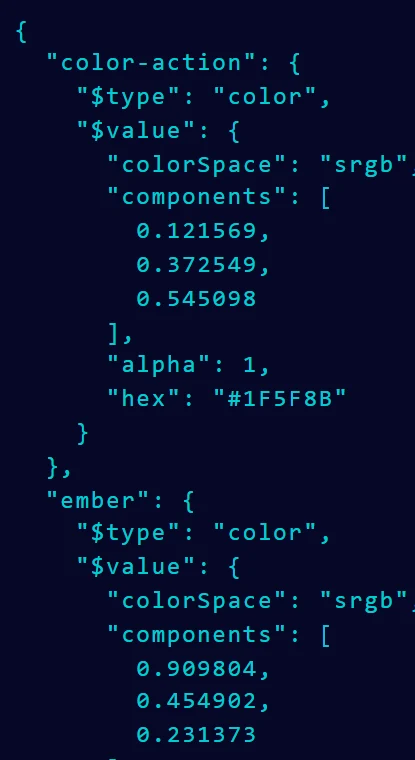




Reads real code
HEX, RGB and HSL, with or without alpha. It follows var() references and reads gradients too.
Paste a stylesheet, select some layers or drop a screenshot. Color Extractly Classic finds every color, keeps the names your code already uses and hands them on as tokens, styles or variables.
Figma plugin / Start here
 Made for
  First step
  Your options
 Paste a token sheet, a component's CSS or any text with colors in it.

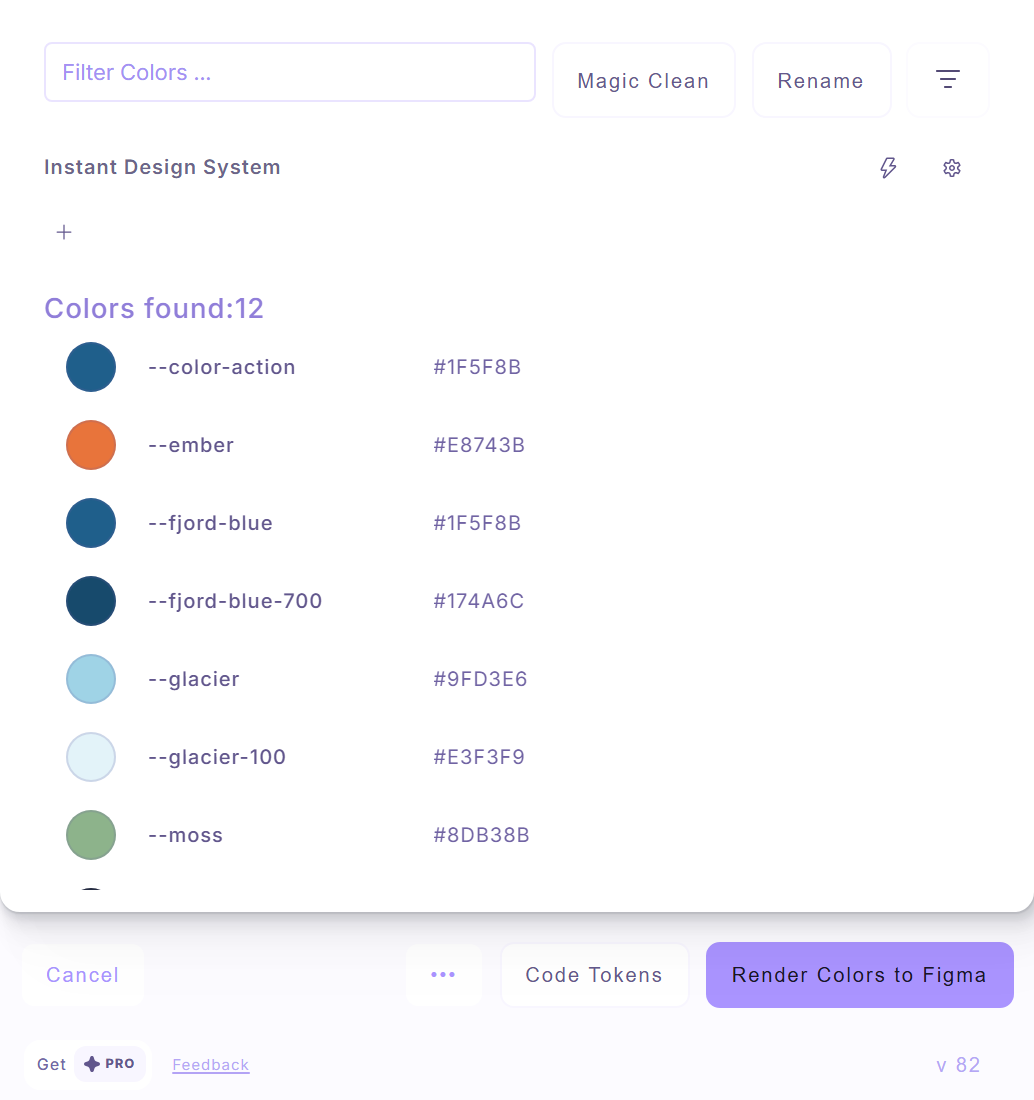
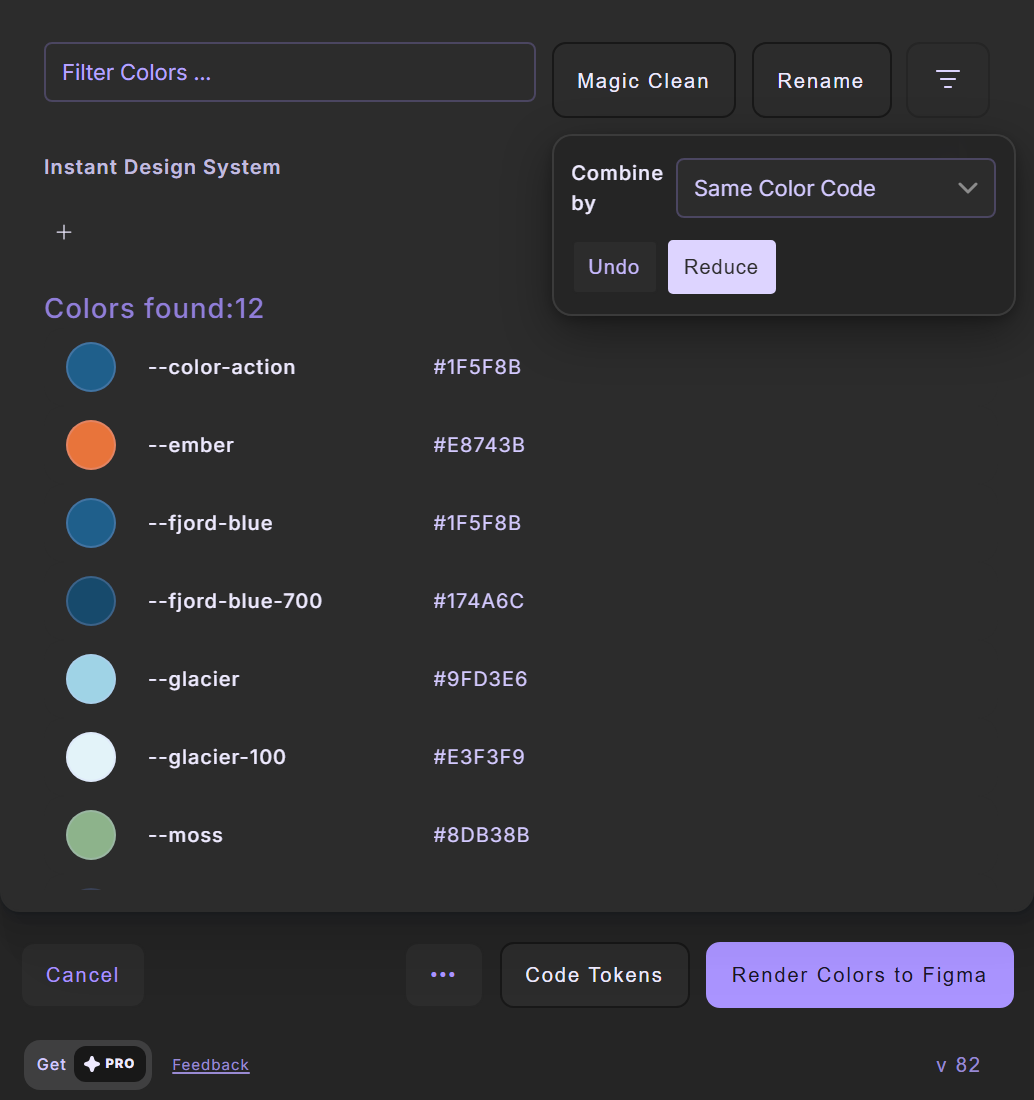
A simplified taste of the Color Extractly tools, right here. No signup.
Want to build your own gradient from scratch?
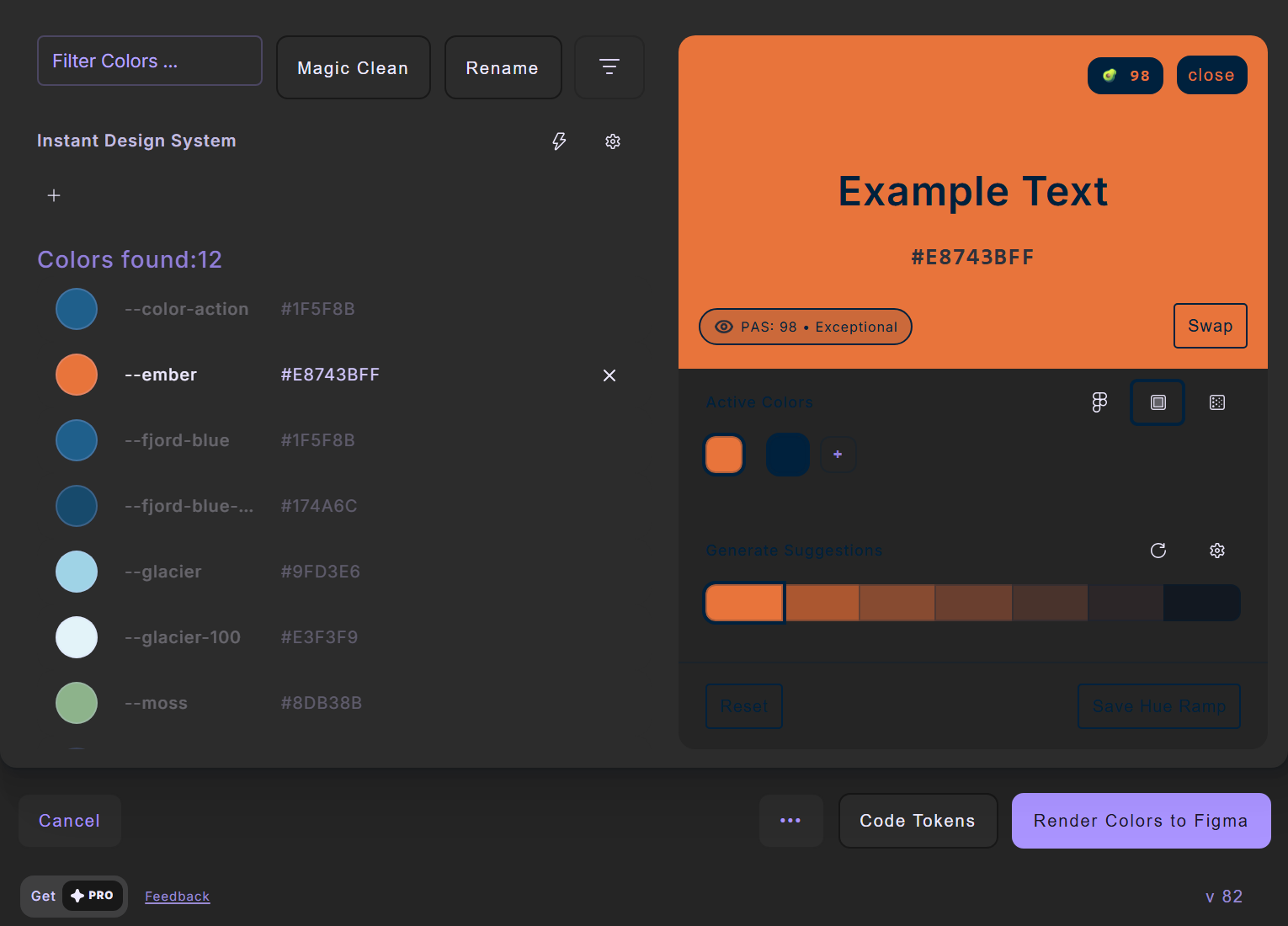
Open the CSS Gradient GeneratorOpen any color to check it against text. You get a Perceptual Accessibility Score beside the WCAG ratio, suggestions and a hue ramp you can save.
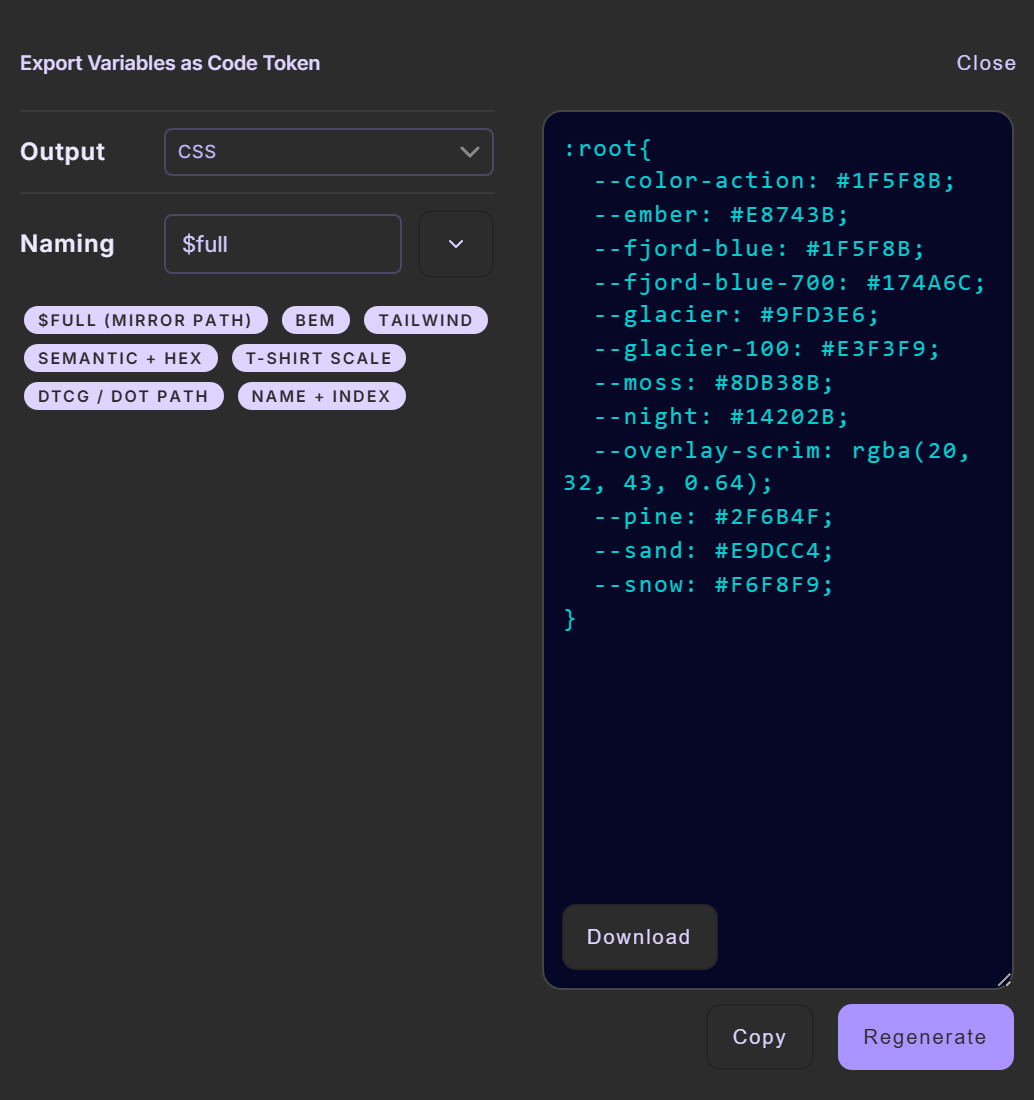
CSS custom properties, named the way the list names them. Copy or download.
Classic does one job well: colors in, clean tokens out. Design Token Studio is the same idea grown into a whole design system.
For extracting and handing on colors.
For building and keeping a design system.
See Design Token Studio · Guide: CSS colors to Figma variables
Everything you need to know about the plugin.
Four steps, then two notes worth knowing.
Open Color Extractly Classic in a Figma, FigJam or Slides file. In the Text tab, paste a short sample such as :root { --brand: #1F5F8B; --accent: #E8743B; } and choose Extract all Colors.
Check names, values and alpha. Magic Clean merges duplicates; Rename gives the list one naming scheme.
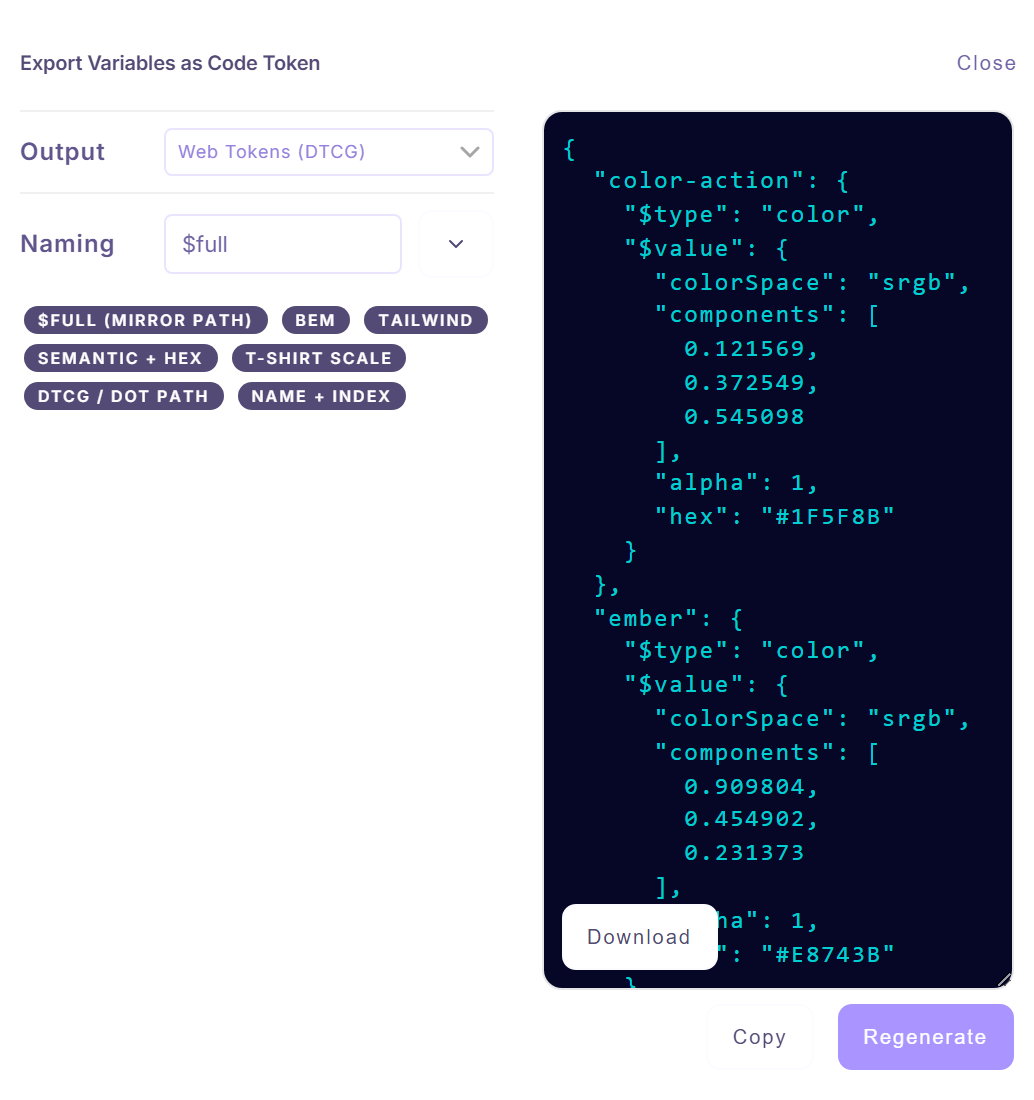
Choose Code Tokens, pick the output and a naming preset, then copy or download the result.
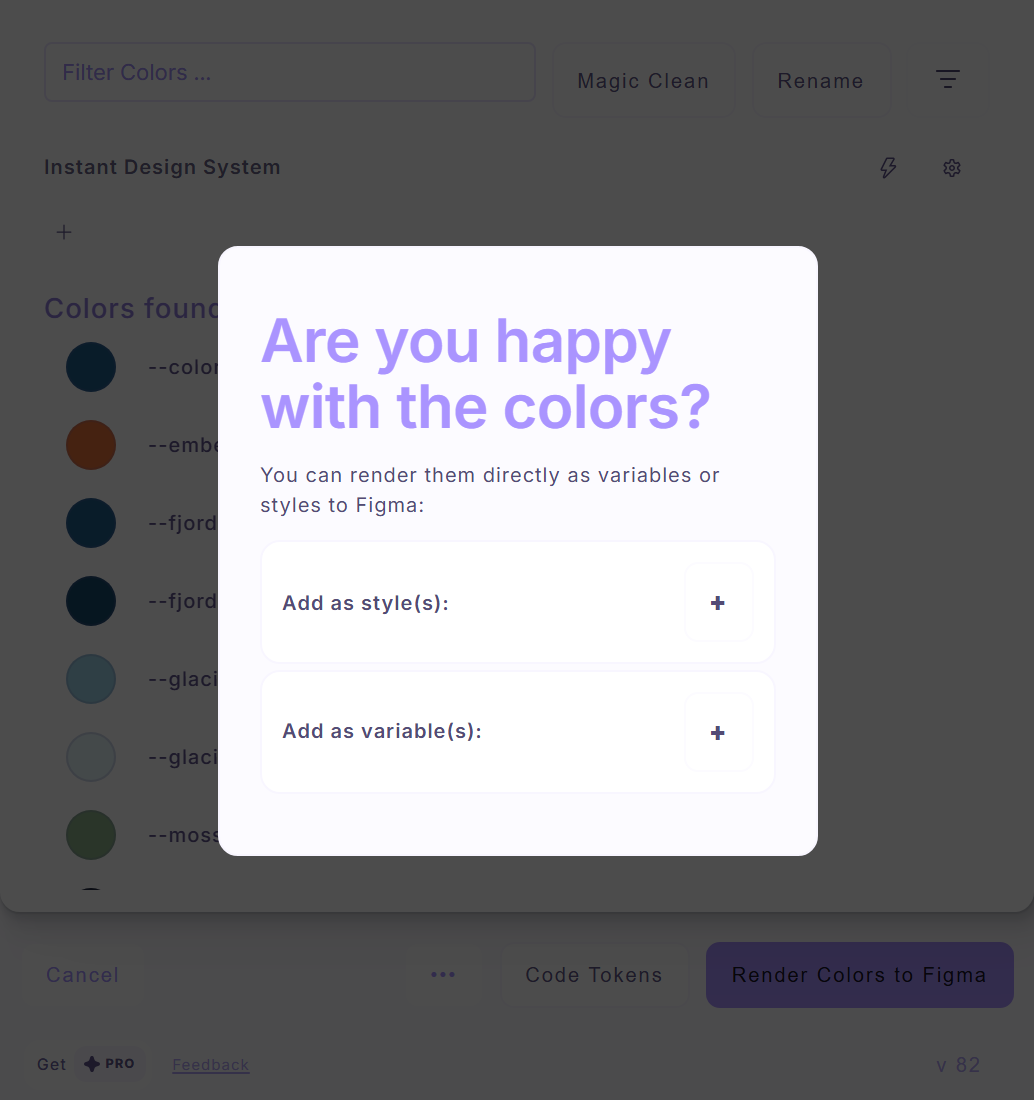
Choose Render Colors to Figma, then add the colors as styles or as variables.
Changing the stylesheet later does not update an earlier import. Extract again and review the difference.
PAS is a RAIKEN readability heuristic. Read it beside the WCAG ratio; see the W3C contrast criterion.