



Four steps to variables
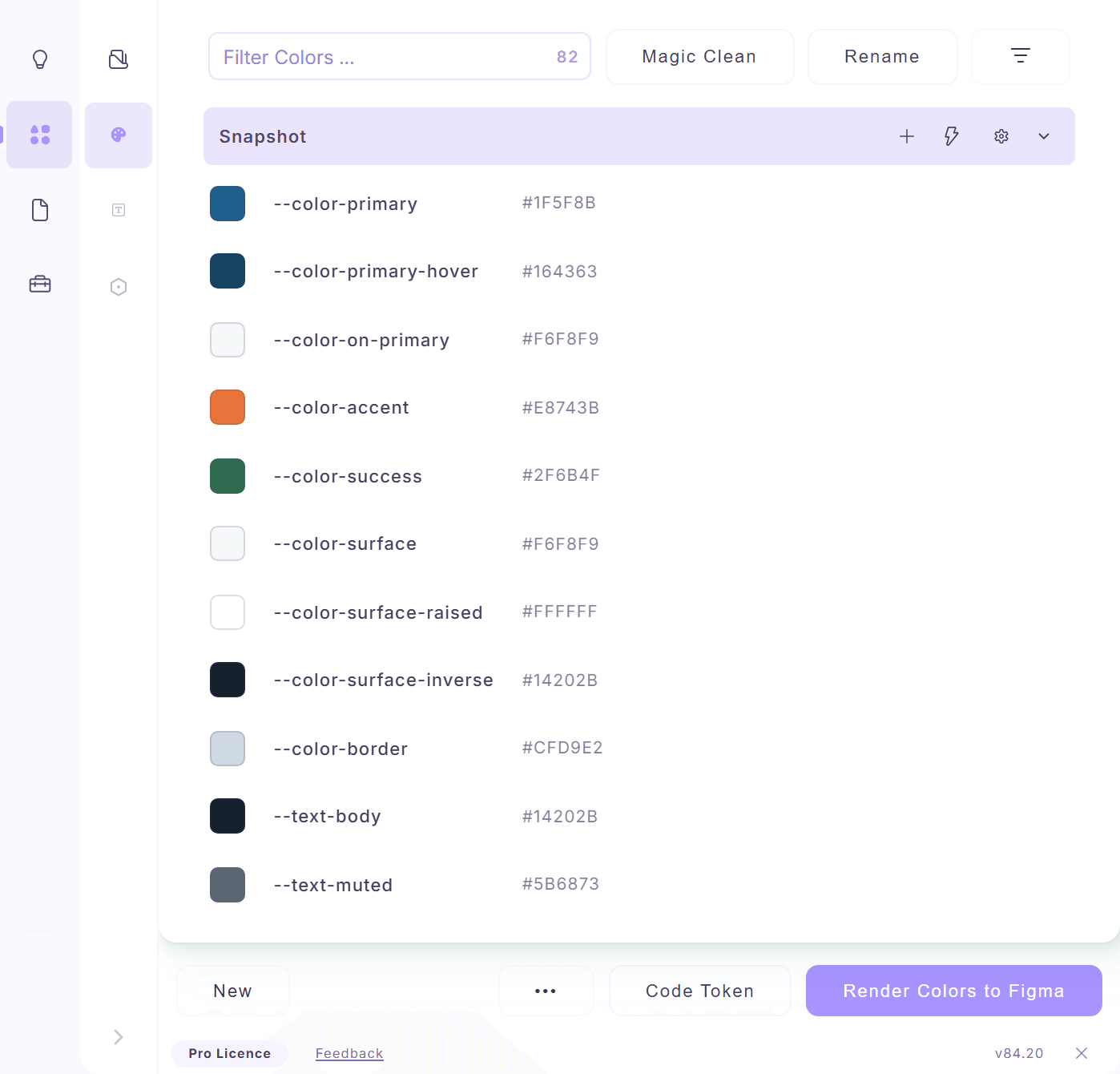
Paste the code. Color Extractly lists every color it finds, with the names from your code.
- Run Color Extractly and stay on the Colors tab.
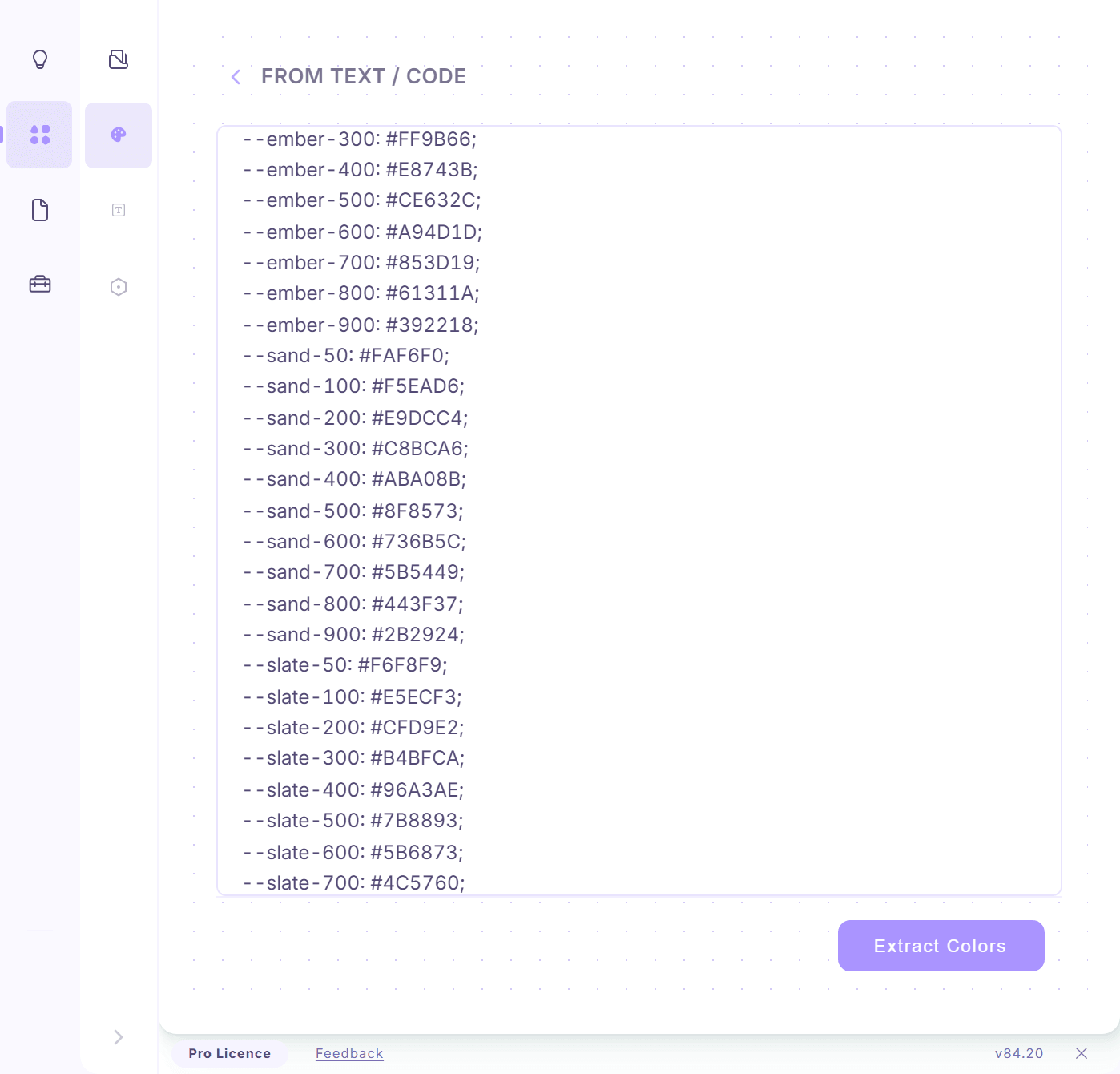
- Choose From Text / Code on the start screen.
- Paste your CSS, SCSS, LESS or Tailwind config and click Extract Colors.
- Open the list menu (the ••• button) and choose Import to Variables.
The new collection is called Extracted Colors. Changed your CSS? Import again: variables with the same name are updated, not duplicated.