




Open a whole folder
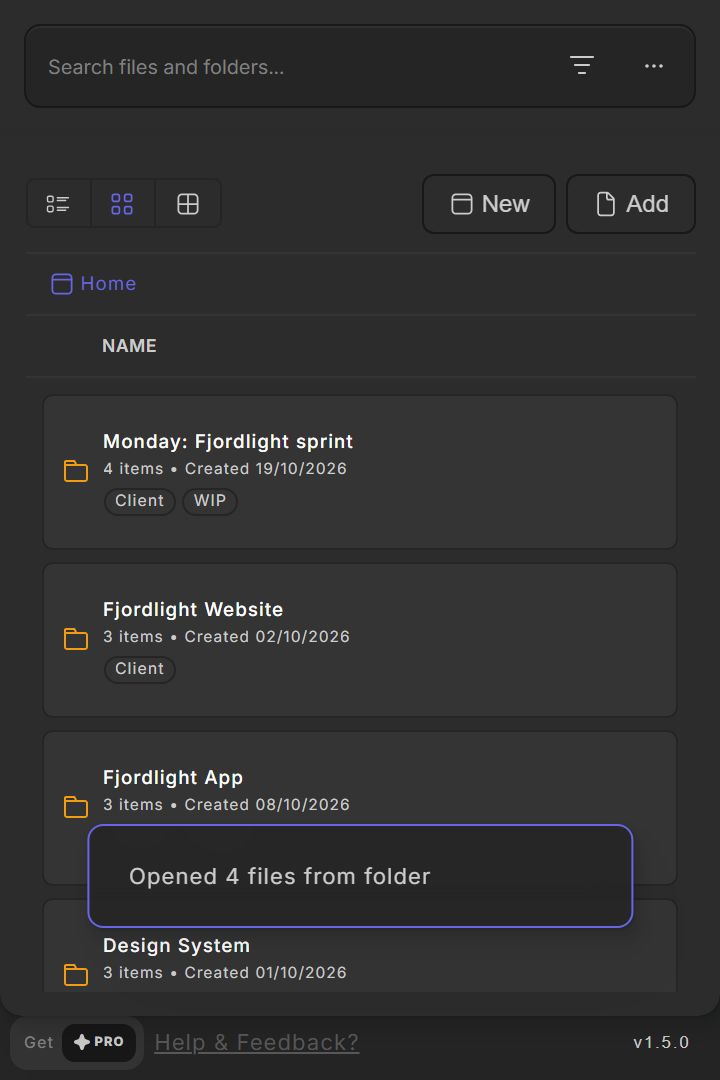
One click opens every file in a folder, each in its own tab.
Close every tab on Friday and open the whole project on Monday. FileOpener keeps your Figma files in folders with tags, and opens a folder's files all at once.
Figma plugin / Start here
 Made for
  First step
  Your options
 Drag files to sort them. Drop one file on another to make a folder.
Search every folder at once and see where each file lives.
Type "Open Figma Document" and jump straight to a saved file or folder.
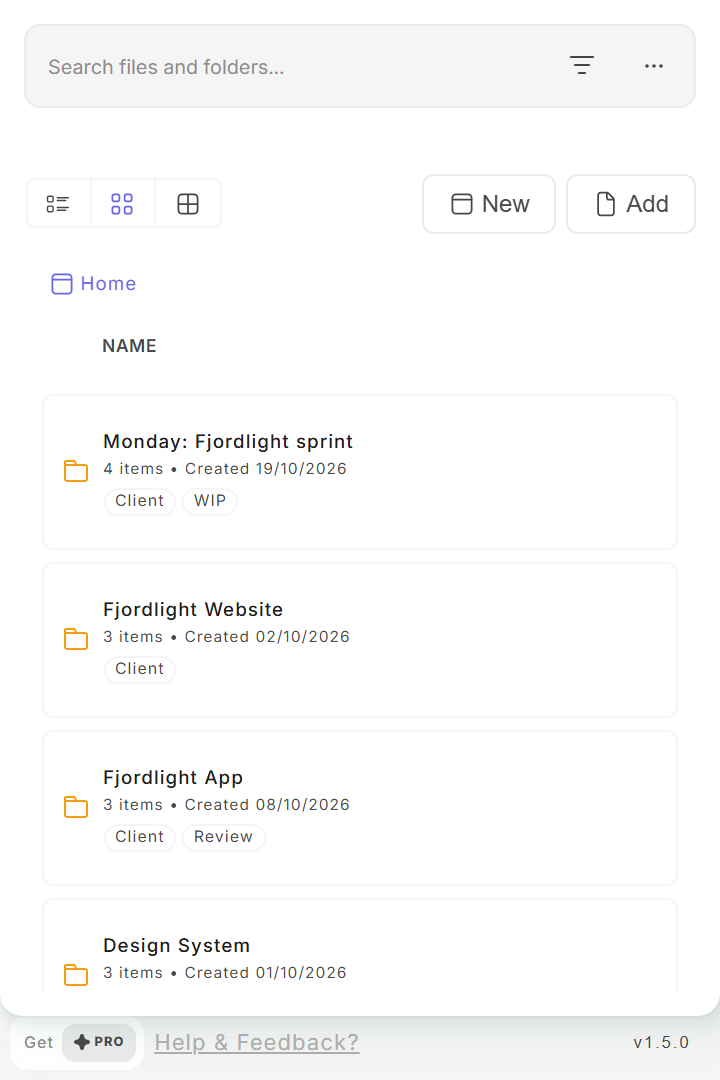
Every project in one place, with its tags and when you made it.
Pick one or more tags. Only files with all of them stay.

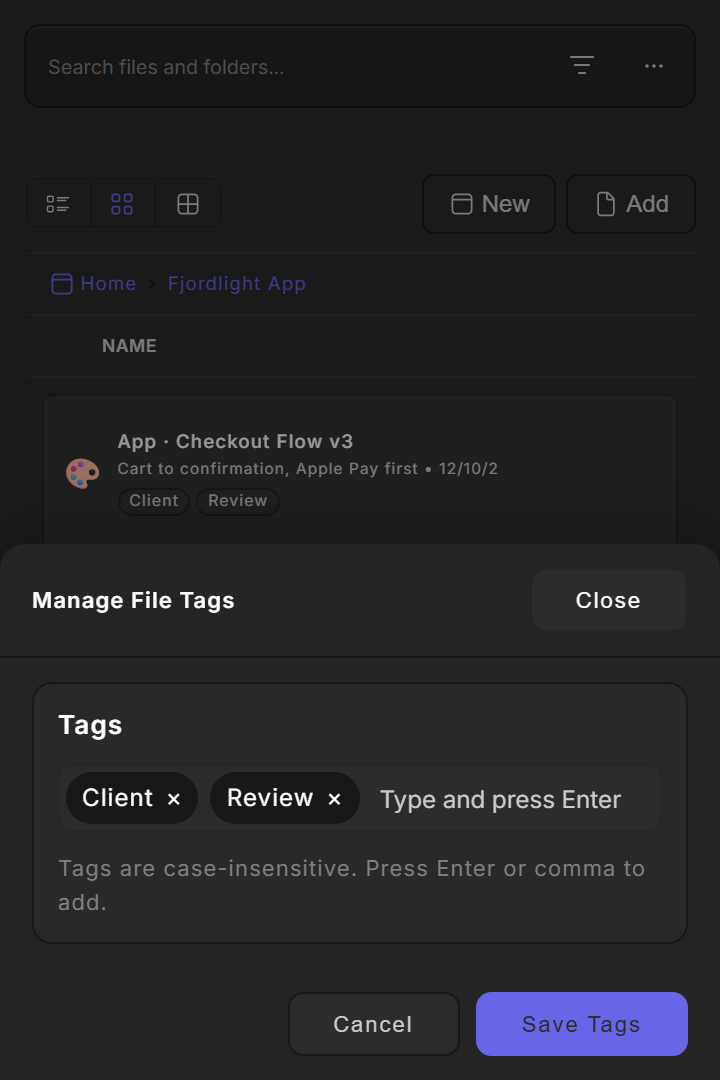
The details, when you need them.
Three steps, then two tips.
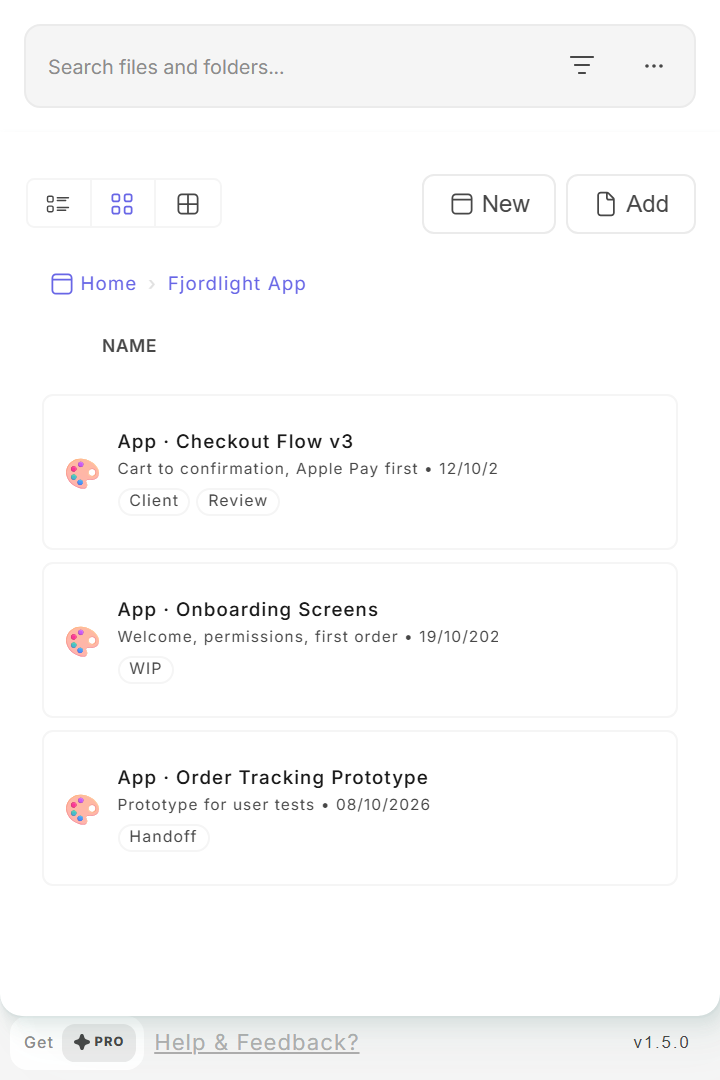
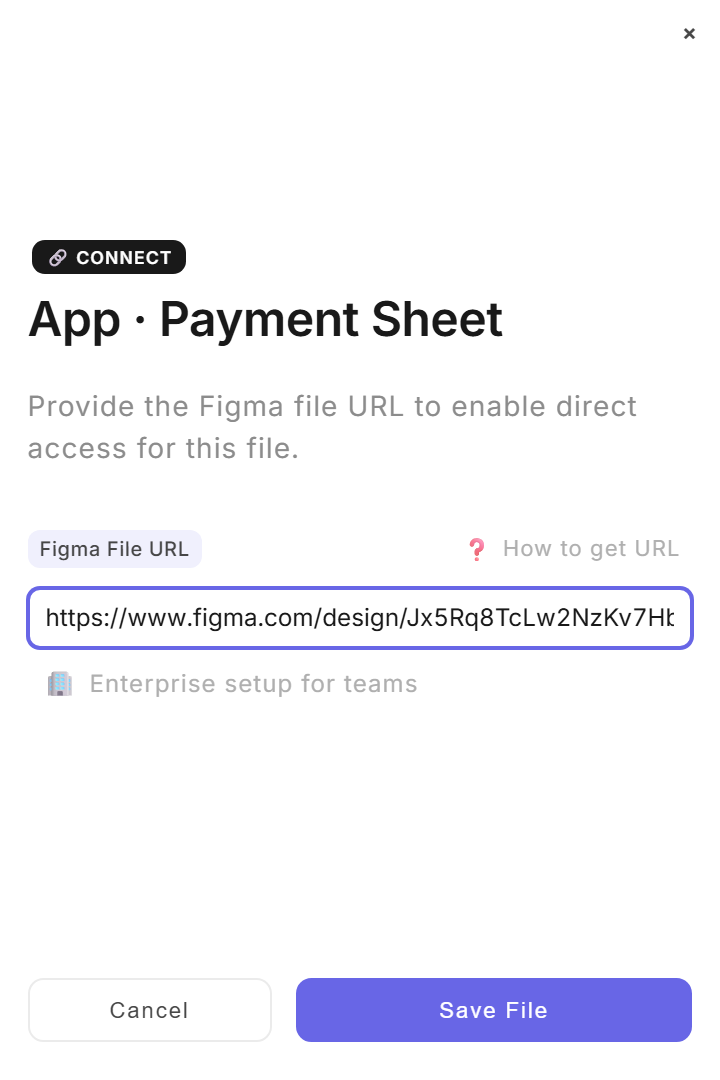
In Figma, copy a file's share link. Open FileOpener, choose Add and paste the link. Repeat for the files you open every week.
Choose New for a folder, or drop one file onto another to group them. Name it after the project or the day, such as "Monday: sprint".
Open the folder's menu and choose Open All Files. Every file opens in its own tab.
Tags like Client, WIP or Review let you filter the list. A file needs all selected tags to stay visible.
Use Figma's quick actions and type "Open Figma Document" to jump to a saved file or folder without opening FileOpener.