
DESIGN.md specs from Figma Hand over the why, not just the pixels.

Select a frame and get a DESIGN.md: its tokens, its states and the reasons behind them, in the open design.md format your developers and their AI tools can read.

Starts from
A frame, a page or variables
Writes
The open design.md format
AI
Optional, your own key
design.md creator
LibraryEditorDesign System
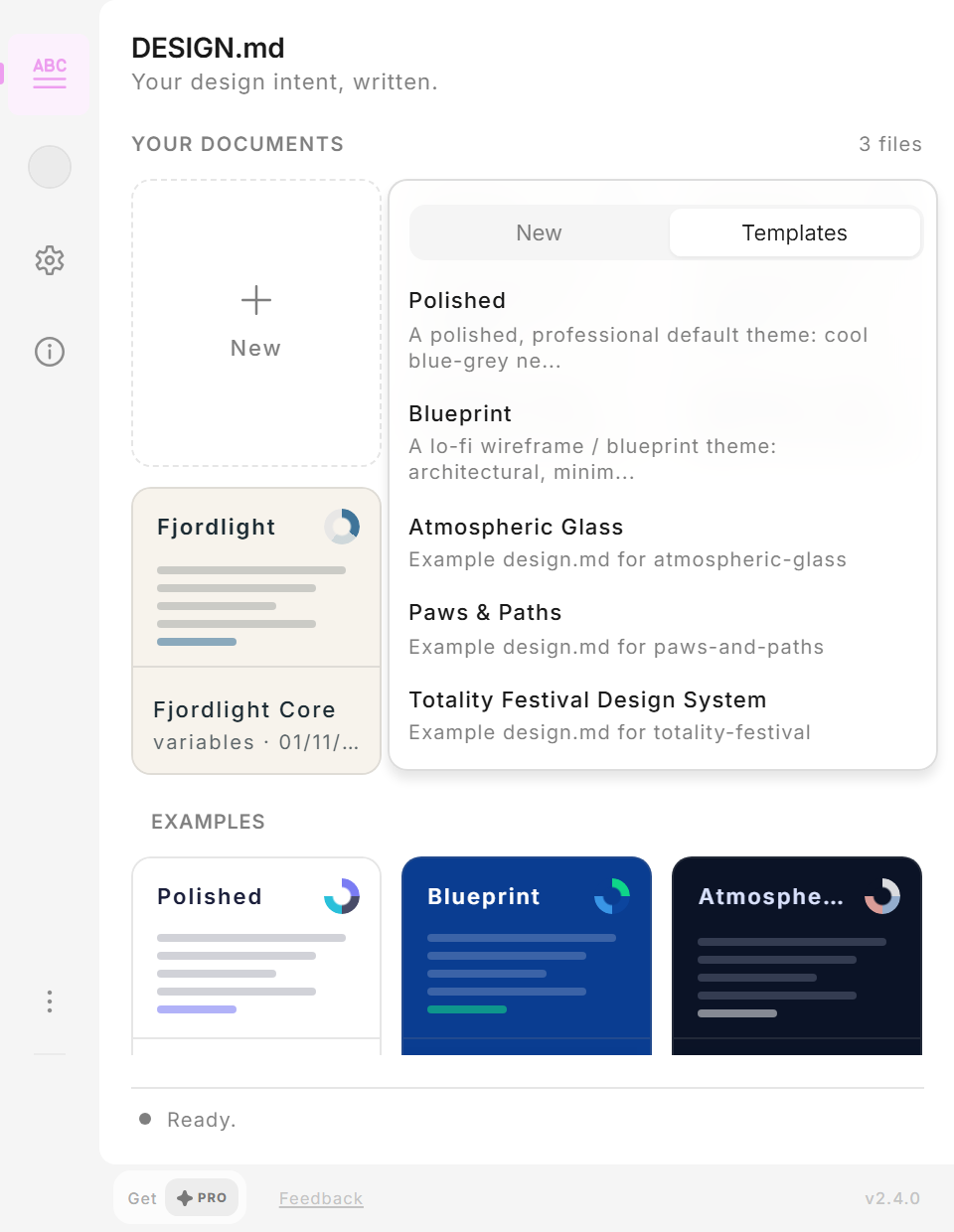
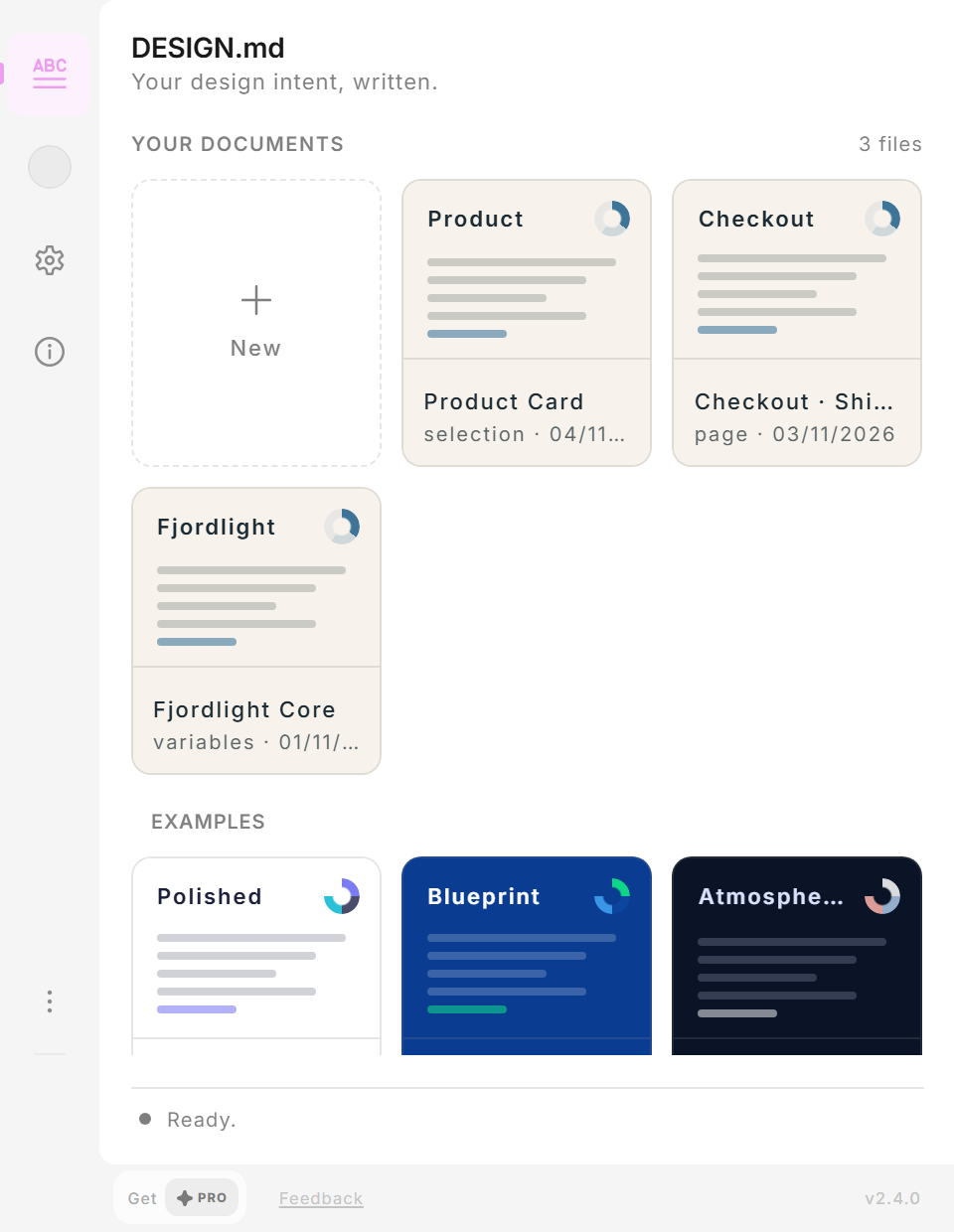
Your documents3 filesProduct CardCheckout · Shipping stepFjordlight CoreExamplesPolishedBlueprintAtmospheric GlassNew

Works in

  • Figma
  • FigJam
  • Slides
  • Buzz
Tokens from your CSS? Design Token Studio

Figma plugin / Start here

Get going with design.md

Quickstart
Made for
Component specs, page handoffs and design-system notes that live in the repository.
First step
Select a frame, open the plugin and choose New › Extract from Figma › Selection.
Your options
Free to start. Pro is a one-time purchase inside the plugin.

Made by David ZerbeRAIKEN / uxactly GmbH

A draft from your frame

A draft from your frame

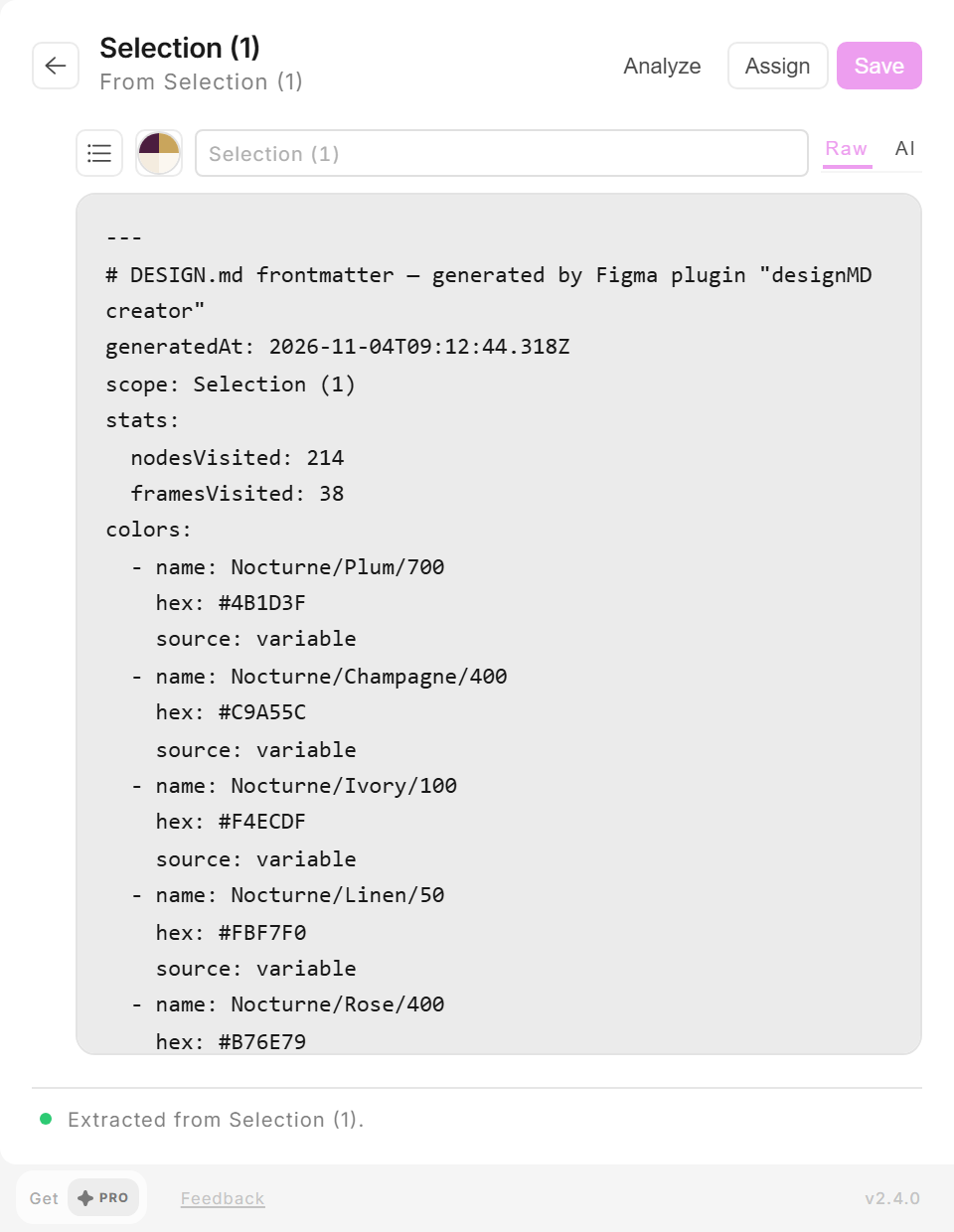
Colours, type and spacing come straight from the selection, page or variables, inside Figma.

Start from good examples

Start from good examples

Polished, Blueprint, Atmospheric Glass and more, straight from the spec.

Tie the spec to the design

Tie the spec to the design

Assign a DESIGN.md to a selection and its palette follows.

A design system, both ways

A design system, both ways

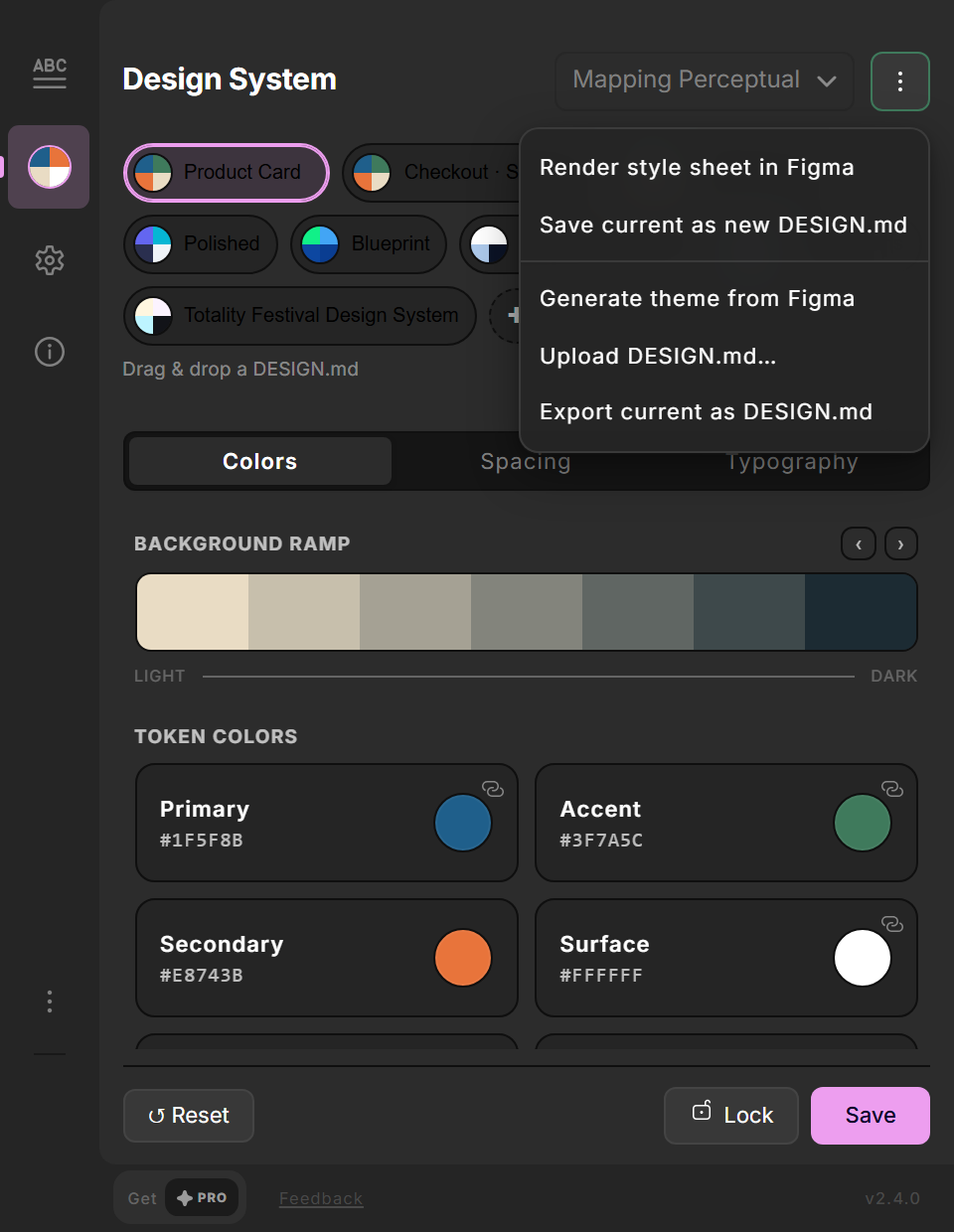
Render a style sheet in Figma, or save your system as a new DESIGN.md.

One click from the file

One click from the file

Open or edit a DESIGN.md from Figma's right panel.

From frame to spec in a minute.

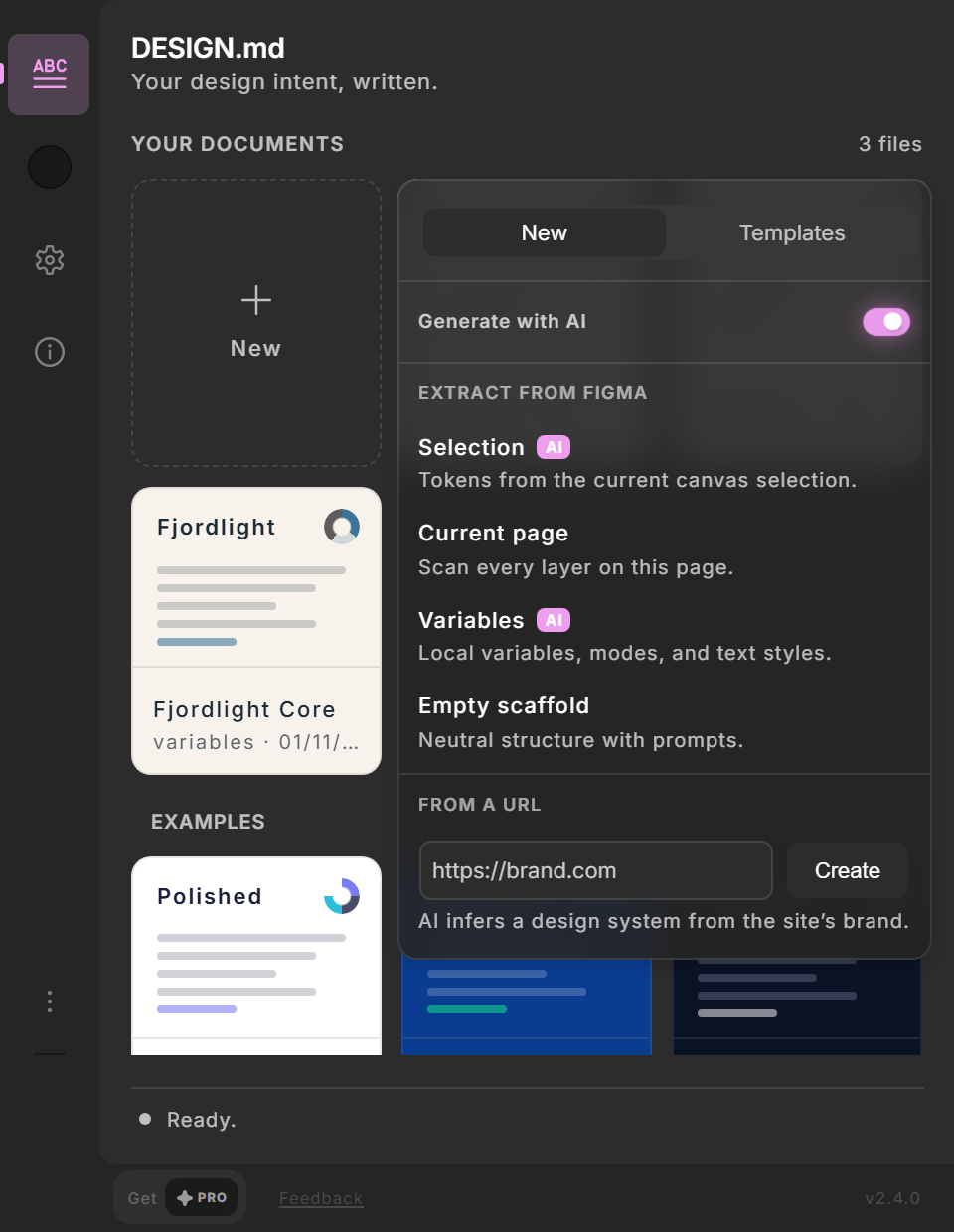
A selection, the current page, your variables, an empty scaffold or a website address.
All options
  • Drop a .md file onto the plugin to import it.
  • Documents are saved with your plugin, ready to reopen.
  • Copy the result and commit it next to your code.
design.md creator New menu in dark mode: Extract from Figma with Selection, Current page and Variables, Empty scaffold and From a URL.
Five ways to start a spec.

Your design system, as a file.

Your system's colours and type, with Render style sheet in Figma one click away.
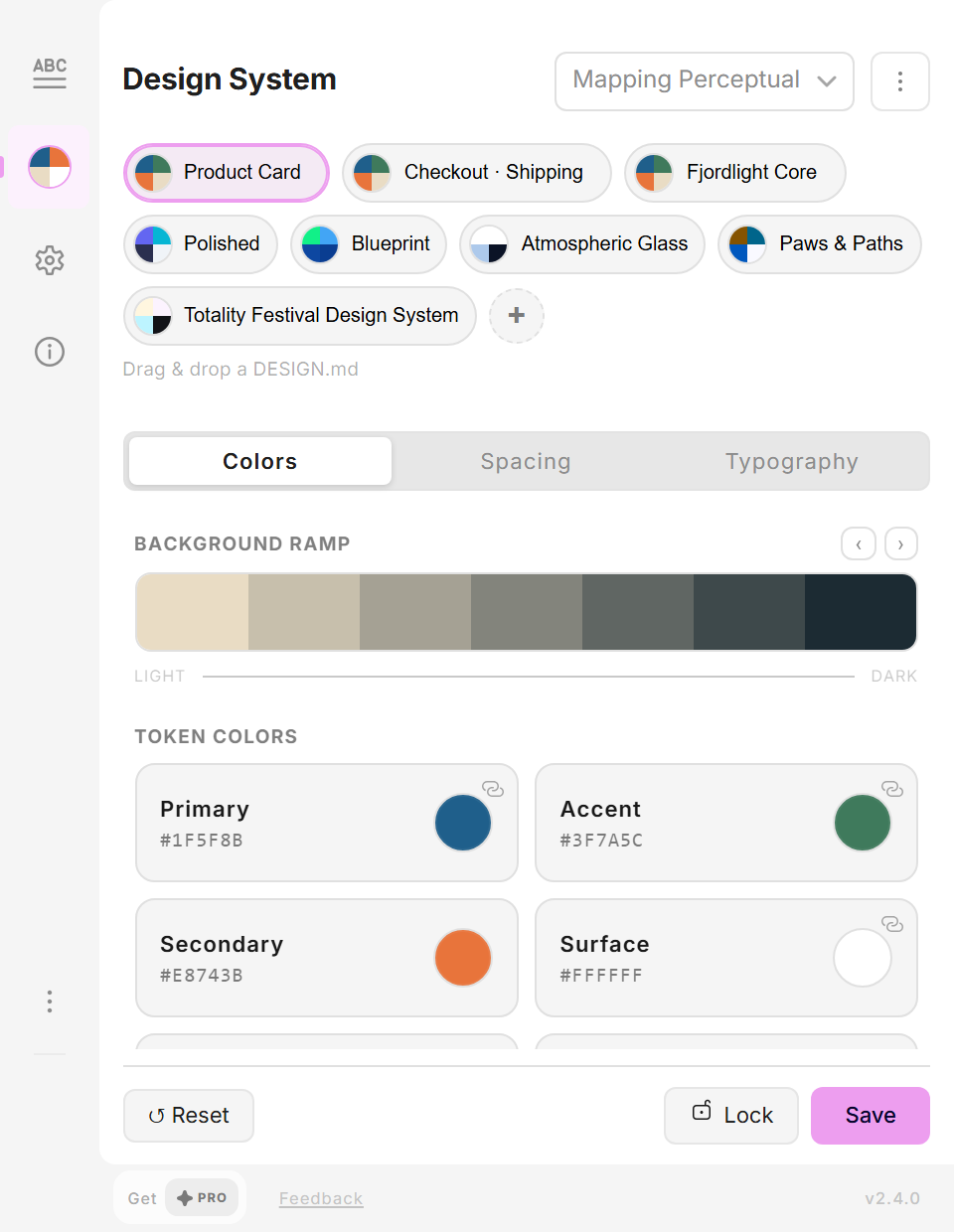
design.md creator Design System panel: Product Card on the Fjordlight Core system, Primary #1F5F8B and the palette.
Fjordlight Core, primary #1F5F8B.

Frequently asked questions

The details, when you need them.

What is DESIGN.md?
An open format for design specs in markdown, published as google-labs-code/design.md. Tokens sit in a front matter block, the intent in plain sections. People and AI coding tools can both read it.
Do I need AI to use it?
No. Extracting from a frame, page or variables, writing and saving all run inside Figma without a network call.
Which AI can I use?
Your own key for OpenAI, Groq or Google Gemini. The plugin calls the provider directly; there is no RAIKEN AI service in between. The key is stored with the Figma file, so remove it before you share a file.
Can I import a spec I already have?
Yes. Drop a .md file onto the plugin, or upload a DESIGN.md in the design-system panel.
Does it work with Google Stitch?
Use Stitch output as a first draft: paste it in and refine it here. There is no automatic sync.
Is it free?
You can start for free. Pro is a one-time purchase inside the plugin.

Quickstart: your first DESIGN.md

Four steps, then where the file belongs.

1. Select a frame

Pick the component or screen you want to describe and open design.md creator.

2. Extract a draft

Choose New, then Extract from Figma and Selection. The draft holds the colours, type and spacing it found.

3. Write the intent

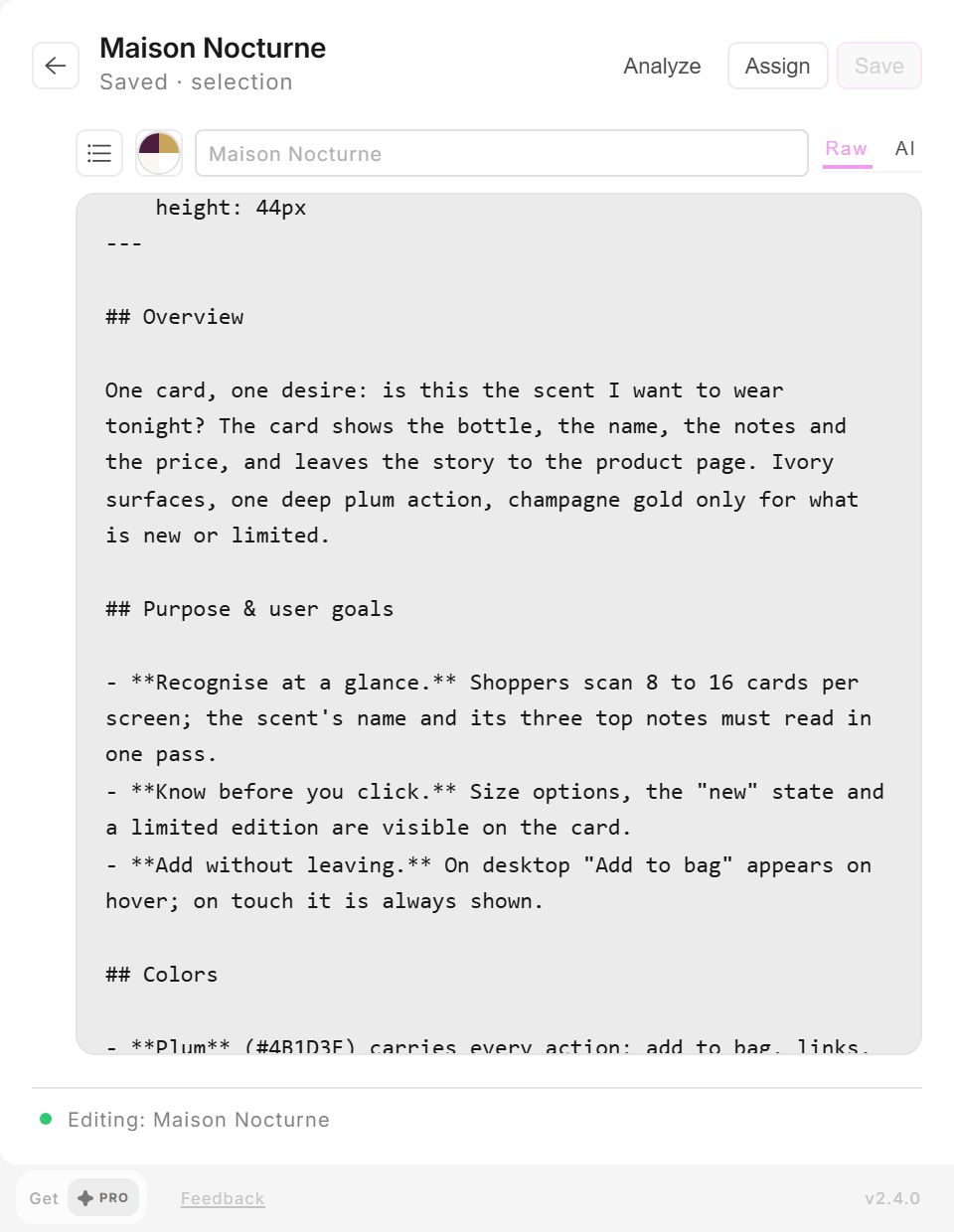
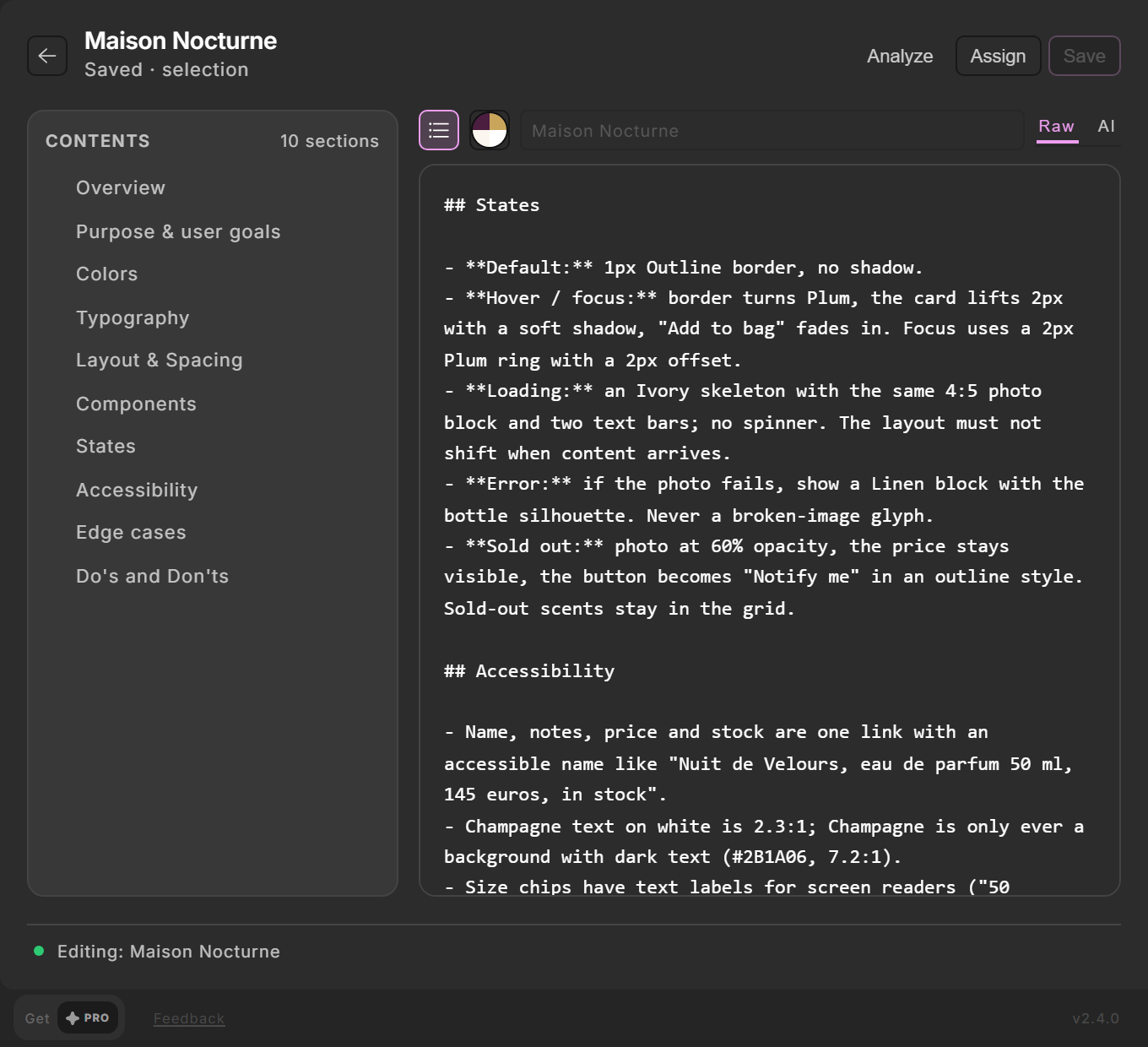
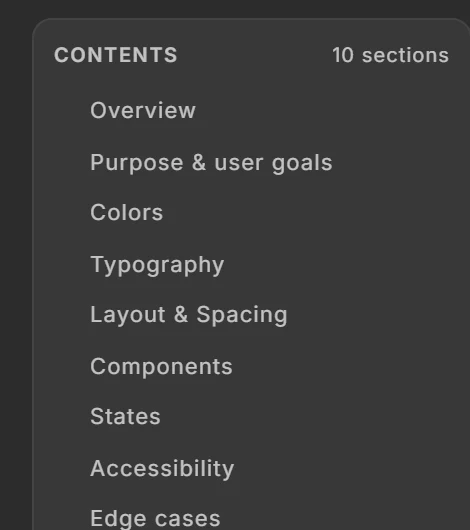
Fill in what the frame cannot say: the goal, the states, accessibility notes and edge cases. Save, and Assign the spec to the selection.

4. Copy it to the repository

Copy the markdown and commit it as DESIGN.md next to the code it describes.

Why a file in the repository

A spec next to the code is versioned with it and read by the people and the AI tools that change it. Specs in a separate tool drift.

The format

The plugin follows the open design.md spec: a front matter block for tokens, then plain markdown sections.
More plugins

Browse all plugins