







More and more of us are working from home right now and are not quite sure how to structure the day. Here are a few practical habits and tools that help me stay focused in the home office.
First things first: no, you do not need expensive equipment. Minimalism is your best friend here and keeps you from distracting yourself. All you actually need to start are four basics:
- The right mindset and fundamentals
- Clear daily routines
- The right tools and work machine
- A stable internet connection
Everything else is largely optional.
How do you set the right mindset?
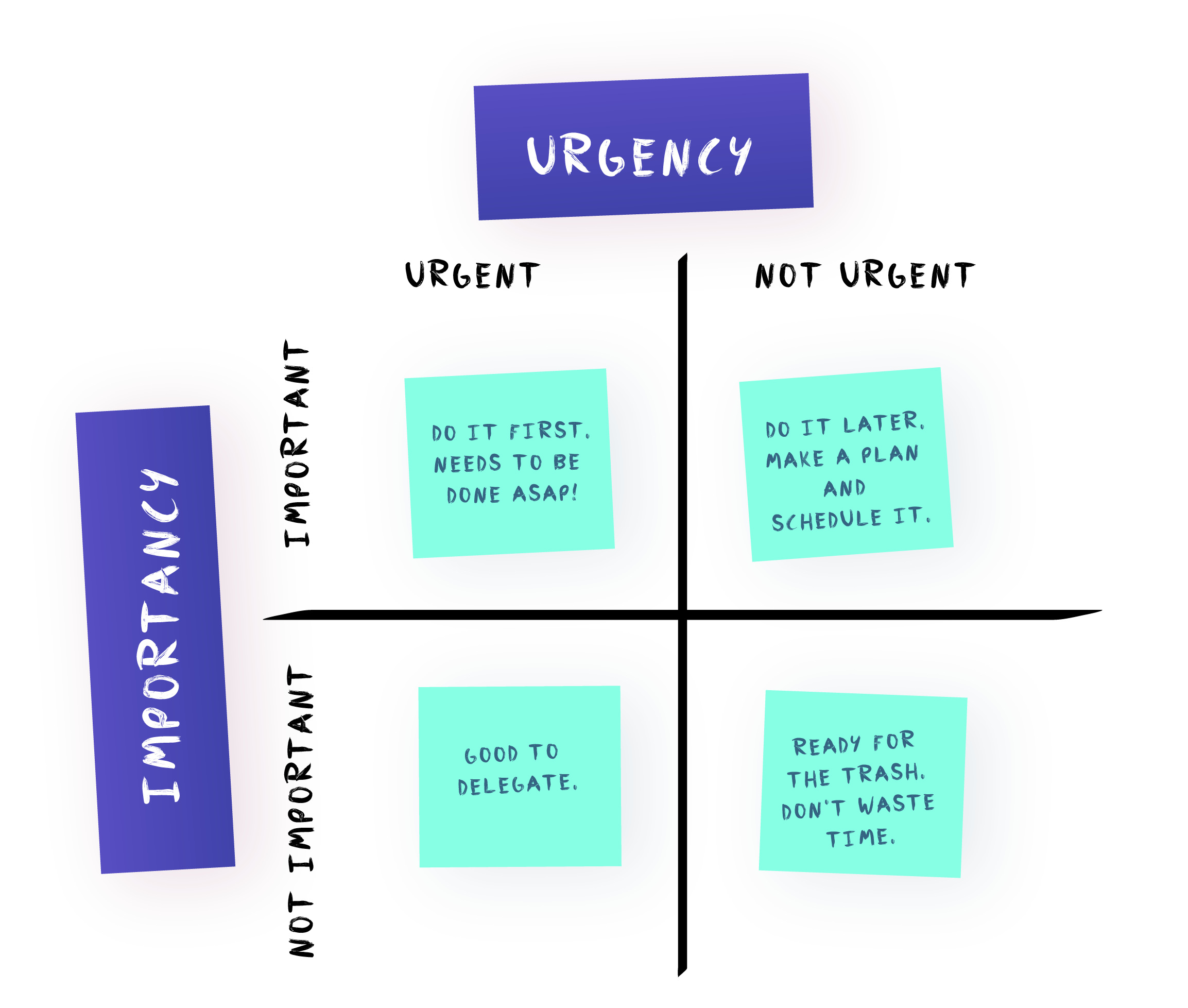
Enjoy your freedom, but do not let it bowl you over. Working remotely comes with a real vote of trust, so make the most of it. It is easy to get lost in small details or let your surroundings pull your attention away. To keep that from happening, start by writing a to-do list that captures the tasks you want to work on today, ordered from top to bottom so the most important task sits right at the top.
Stay connected
Working from home does not mean isolating yourself. Short daily stand-ups keep the team spirit alive and give everyone a quick update on the day. Tools like Microsoft Teams, Skype, or Slack make it easy to stay in touch and collaborate with your teammates whenever needed.
Prioritize your tasks
"Psychologically, checking off finished tasks gives you a tangible sense of progress and keeps your motivation up."
Once a task hits an 8, your alarm bells should ring. Psychologically, checking off finished tasks gives you a tangible sense of progress and keeps your motivation up. Break large tasks down into smaller steps so you stay in flow. A huge task on your list looks intimidating at first glance and drains your momentum before you even start.
Why do daily routines matter at home?

That might sound odd at first. After all, you are doing the same job as before, just remotely. Do not be fooled: your workday involves much more than sitting down at your computer and typing away. Normally, you have a commute that mentally prepares you for the day ahead. Without that transition, it is harder for your brain to shift gears. Building deliberate routines teaches your mind when to focus instead of drifting from one thing to the next.
Starting the morning
Take a quiet moment to figure out what genuinely motivates you and kick-starts your morning. For some people, it is the first cup of coffee; for others, a short reading session or a workout. I am a big fan of morning workouts because they wake up both body and mind. Even a short walk around the block helps you step outside your living space and enter your workspace mentally, even when both are in the same room. The same trick works at the end of the day: a short walk gives your brain a clear signal to let go of work.
Keep your routines and times consistent so your mind knows when it is time to focus.
Lunchtime
Midday is the time to step back from the screen and refuel properly. Skipping lunch does you no favors, and eating too heavily or unhealthily only makes you sluggish. A short walk in the fresh air, airing out the room, or a quick power nap can work wonders too. Set a clear timeframe for your break so it does not run away from you while still giving you real recovery time.
The afternoon slump
Maybe you know the feeling when your focus and motivation start to dip after lunch. Do not worry, that is completely normal. Focus is a limited resource and has to be built up like a muscle. My favorite training partner here is the Pomodoro technique, and no, it has nothing to do with tomato sauce.
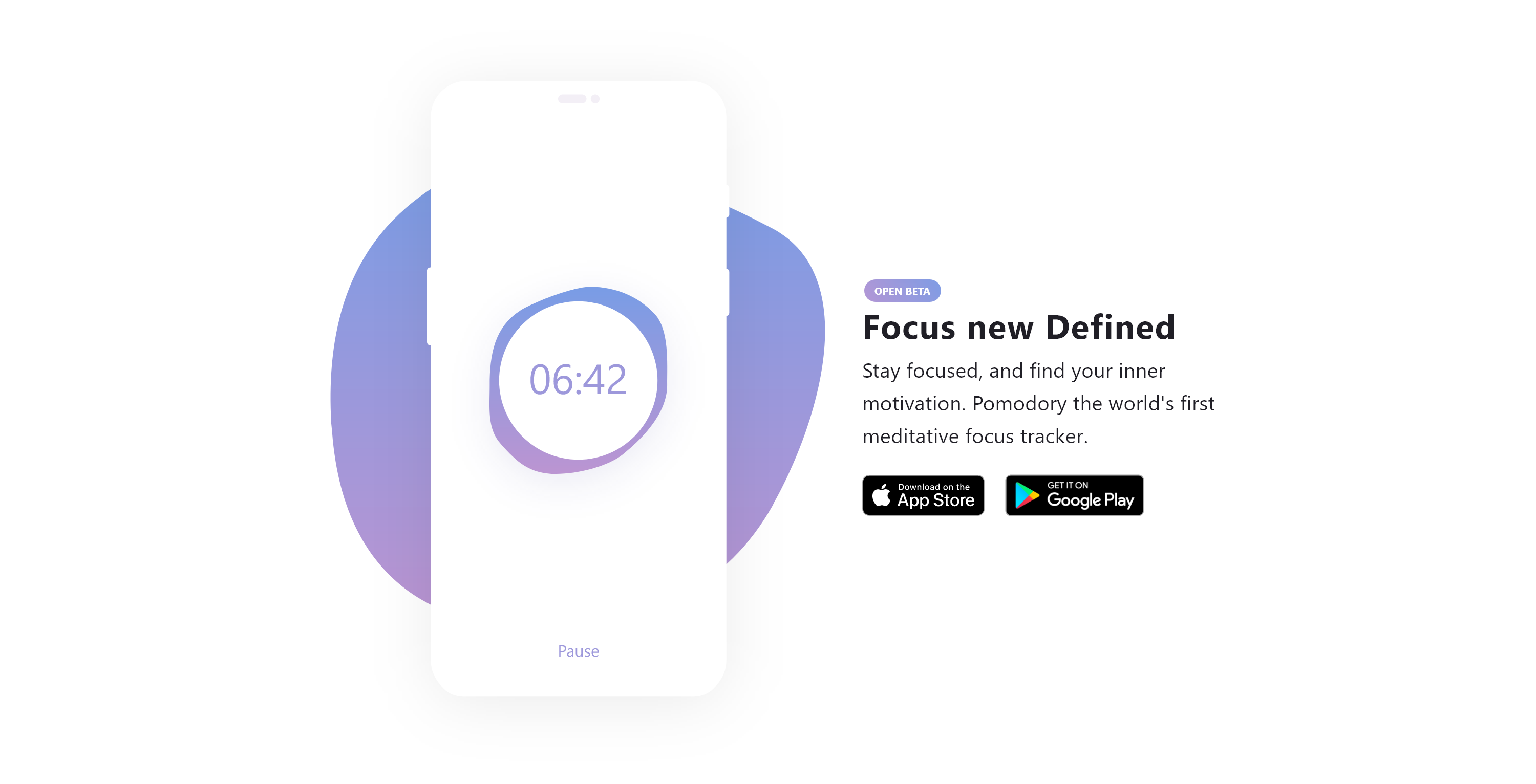
Pomodoro for everyday focus
A small plug of our own: at uxactly GmbH, we are currently working on a new Pomodoro app with a twist built around staying in flow. Head over to pomodory.uxact.ly to grab one of the beta keys and help us shape the app with your feedback.
How a Pomodoro session works:
- Pick one or two tasks from your to-do list that you want to work on
- Turn off distractions by enabling Do Not Disturb on your phone and computer
- Set a timer for 25 minutes on your phone, computer, or kitchen timer
- Start the timer and keep only the windows open that you actually need for those tasks
- After 25 minutes, check in with yourself: either keep going if you are in flow, or take a 5-minute break to check X/Twitter or read your emails
- After the 5-minute break, start the next Pomodoro cycle as often as you like ;)
Wrapping up the workday
Open a window and let some fresh air in. Building an evening routine is especially important when working from home, because staying in the same physical room makes it harder to shake off the workday. A short walk, picking up groceries, going for a run, or cooking dinner mindfully helps your brain switch off.
Which tools keep your setup light?
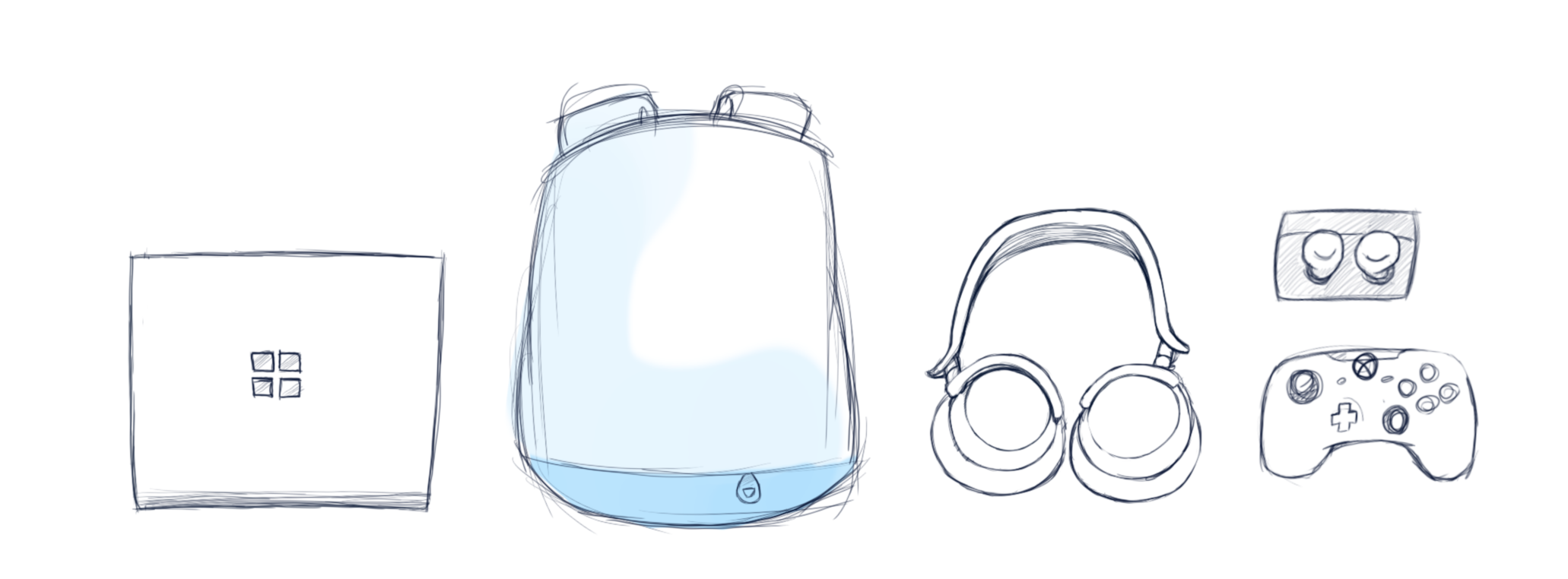 Your setup does not need to be fancy. Minimalism is your ally here: the more gear you pile onto your desk, the less nimble you are in the home office. Pay attention to what you actually need and leave out anything that distracts or stresses you.
"The more gear you pile onto your desk, the less nimble you are in the home office."
Hardware
For some people, an external monitor is a big help; for others, it is an anchor. Personally, I keep my setup minimal. My Surface Book paired with my noise-cancelling headphones is all I usually need. That way I can change spots at any time or work from the café around the corner.
Software
Working from home gets frustrating fast without the right software. Here is a shortlist of my everyday favorites:
OneNote
Great for working on content together and sharing notes, and free to use. I have used OneNote for 17 years and still appreciate its flexibility. It gives you an infinite canvas where you can drop images, videos, and handwritten or typed notes, and its search indexes handwriting, images, and videos alike. If you prefer an alternative to Microsoft or like supporting smaller teams, take a look at Notion, which takes a more object-oriented approach.
Miro
Live collaboration made simple. Miro lets you build shared boards with your team and move sticky notes around in real time, which makes it ideal for remote workshops.
Trello
If you like working with Kanban boards, Trello keeps open tasks and workflows transparent, whether you use it with a whole team or just for yourself.
Slack and Microsoft Teams
Both tools handle day-to-day chat, file sharing, and video calls well. Which one fits best usually depends on what your company already runs: if you are on Microsoft Office 365, Microsoft Teams is the natural choice; if you live in Google Docs, Slack is a great fit.
Spotify
Work without music feels incomplete to me. I also like seeing what friends are listening to and tuning in when my own library starts to feel stale. Here is a selection of my favorite focus playlists on Spotify:
- Electronic Focus playlist on Spotify
- Coding & Focus playlist on Spotify
- Lo-Fi Beats playlist on Spotify
- Deep Focus playlist on Spotify
Internet connection
Faster is nice, though how much bandwidth you really need depends on your workday. For me, being able to stream music and run stable video calls is enough, and a steady 10 Mbit/s connection already handles that.
Do you have more home-office tips to share or feedback on this article? Drop a note in the comments.